· 6 min read
Does Your Church Need Fund Accounting Software, or Is QuickBooks Plus Your ChMS Enough?
QuickBooks Online plus a church management system is enough for most churches under roughly $1.5M in annual revenue. Above that line, or once you are holding donor-restricted money you cannot confidently report a balance on, you need real fund accounting software.
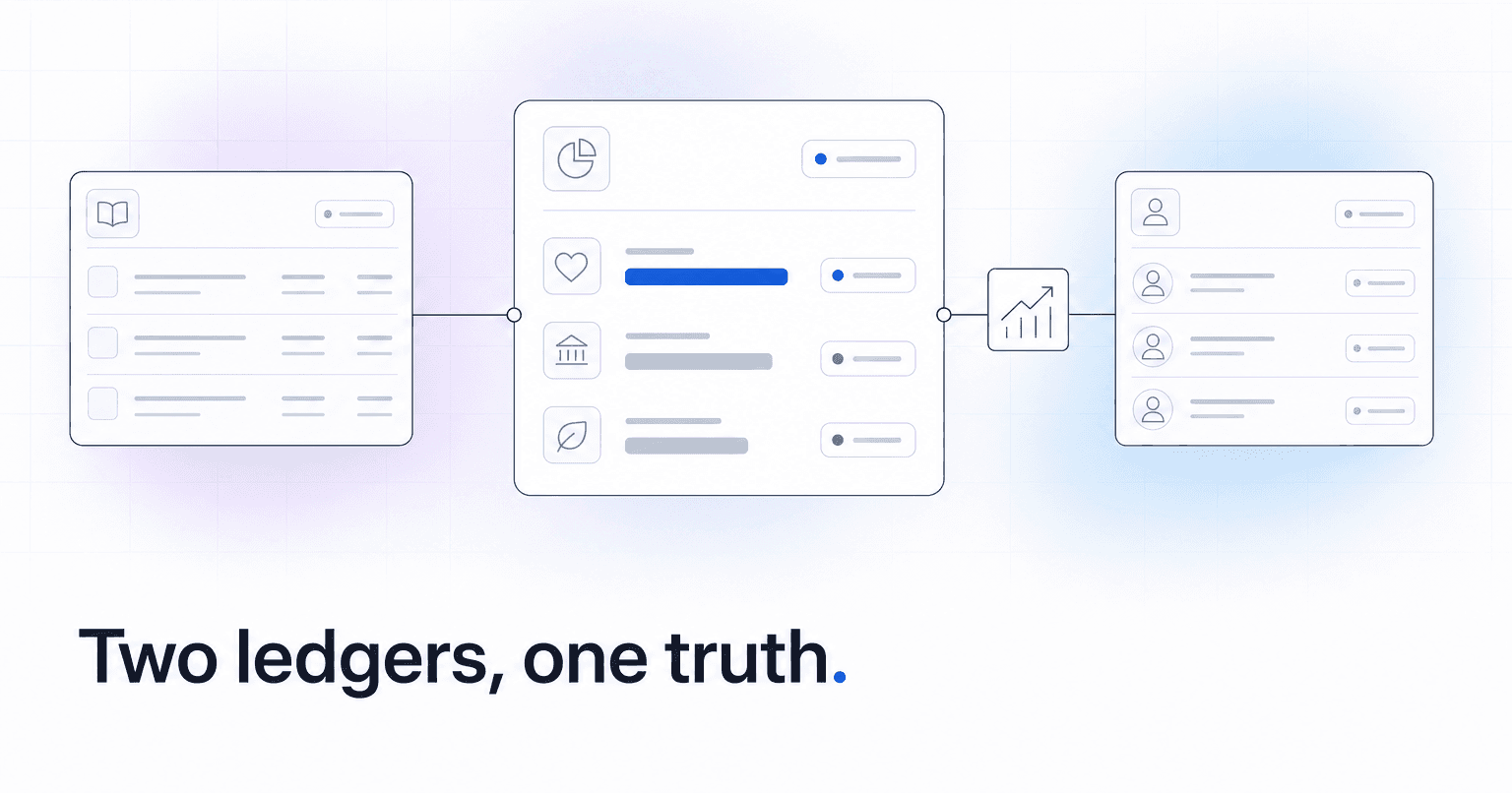
Short answer: QuickBooks Online plus a church management system is enough for most churches under roughly $1.5M in annual revenue that carry fewer than about a dozen restricted funds and have no endowment, no grants, and no debt covenants. Above that line, or once you are holding donor-restricted money you cannot confidently report a balance on, you need real fund accounting software.
The deciding factor is not church size. It is how many separate pots of money you have to prove the balance of, on demand, to someone outside the room.
Here is how the two stacks actually compare, and where the seams break.
What fund accounting does that QuickBooks does not
Fund accounting treats every restricted pot of money as its own self-balancing set of books. The building fund has its own assets, its own liabilities, and its own fund balance that carries forward year to year. Run a balance sheet, and you see that fund balance sitting there as a real number.
QuickBooks was built for a business with one pot. You approximate funds with classes, tracking categories, or sub-accounts. That works fine for the income statement: you can see that the benevolence fund received $18,400 and spent $11,900 this year. What it does not naturally give you is the accumulated balance, the $6,500 in benevolence money carried over from three prior years that you are still legally obligated to spend on benevolence.
QuickBooks Online Plus can produce a Balance Sheet by Class, but only if every journal entry line, including bank transfers, payroll allocations, and accrual adjustments, is class-coded on both sides. One uncoded line and the report throws an "unclassified" column that quietly makes the whole thing wrong. Most churches running QuickBooks have that column and have never opened the report.
Comparing the stacks on what a treasurer actually needs
- Restricted fund balances: Real fund accounting (Aplos, Realm Accounting, Blackbaud Financial Edge NXT, PowerChurch) reports them natively. QuickBooks reports them only if class-coding discipline is perfect, or if someone maintains a spreadsheet alongside the GL. That spreadsheet is the most common single point of failure in church finance. It lives on one laptop and it leaves when that person does.
- Donor-level detail and statements: Your ChMS wins here, decisively. QuickBooks should never hold individual giving records. And most true fund accounting packages that bolt on donor management are noticeably weaker at engagement than a purpose-built ChMS, so this is not the category that should decide your GL.
- Net asset classification: Nonprofit reporting standards require you to split net assets into "with donor restrictions" and "without donor restrictions." Fund accounting software does this structurally. In QuickBooks, it is a manual year-end journal entry someone has to remember.
- Audit readiness: An auditor will ask for a fund balance rollforward, a schedule of releases from restriction, and a tie between recorded contributions and deposits. Fund accounting produces the first two as standard reports. In QuickBooks, they are reconstructed by hand, usually in the two weeks before fieldwork, usually by the one staff member who cannot afford to lose two weeks.
- Cost and switching: Subscription price is rarely the real argument. An entry-tier fund accounting package tends to land in the same monthly neighborhood as QuickBooks Online Plus. The real cost is the migration: rebuilding a chart of accounts, restating opening fund balances, and retraining a volunteer treasurer mid-year. Every bookkeeper in your congregation already knows QuickBooks, and that familiarity is the honest reason most churches stay. If consolidation is the broader question, this comparison of ChMS stacks versus unified platforms covers that tradeoff.
Where the QuickBooks plus ChMS seam actually breaks
The integration is not the problem. These three handoffs are, roughly in the order they cause pain.
Gross versus net deposits. Your ChMS records a $100 gift. The bank shows $97.10 after processing fees. If the bookkeeper enters $97.10, contribution revenue in the GL will never match the giving statements you mail in January. Fees have to be booked as an expense so revenue stays gross. This one discrepancy is why so many churches have a permanent unexplained variance between finance reports and donor statements.
Split-designation gifts. A single online gift of $250 allocated $200 general and $50 missions arrives as one deposit line. Whether the ChMS export preserves that split, and whether QuickBooks receives it as two class-coded lines, is the number one reconciliation failure we see. When the split collapses, the missions fund silently stops growing on the books even though people keep giving to it.
Releases from restriction. When the building fund pays a $40,000 contractor invoice, someone has to move $40,000 from restricted to unrestricted net assets. No integration does this automatically. It is a judgment call, and it gets skipped for years, until a family asks what happened to the memorial gift they gave in 2021 and nobody can answer with a number.
A twenty-minute test you can run this week
Before you shop for anything, find out whether you actually have a problem.
- Run a Balance Sheet by Class in QuickBooks for last month. If there is an unclassified column with anything but zero in it, your fund balances are not trustworthy today.
- Pull total contribution revenue from the GL for last year and compare it to total contributions from your ChMS. Any gap should be explainable to the dollar, usually as processing fees or non-cash gifts.
- Pick your oldest restricted fund. Try to prove its current balance from the GL alone, without the spreadsheet. Time yourself.
If step three takes more than a few minutes, or ends in a spreadsheet, you have your answer.
Pick one
Stay on QuickBooks plus your ChMS if: you have one general fund and a handful of designated funds, no endowment or grants, no bank covenants, and a bookkeeper willing to enforce class-coding on every line. Add a monthly fund balance rollforward and you are genuinely fine.
Move to real fund accounting if: you have an endowment, government or foundation grants, multiple campuses with separate balances, restricted funds older than three years that nobody can prove the balance of, or an auditor who has already flagged net asset classification.
Either way, the reporting layer is where churches lose the plot. Clean giving data flowing into a clean GL, with fund detail preserved through the handoff, matters more than the logo on the software. ChurchAI processes giving and builds the board-ready financial reporting that sits on top of either stack, so designation detail survives the trip from the offering to the ledger. And once the numbers reconcile, your giving data starts telling you things a balance sheet cannot.
Common questions
- What is ChurchAI?
- ChurchAI is an AI-native church management platform built to help churches retain members, grow giving, and eliminate administrative busywork. Unlike legacy church software that stores data passively, ChurchAI acts as an intelligence layer that connects to your existing tools, analyzes engagement patterns, predicts churn, identifies emerging donors and volunteer leaders, and automates follow-up workflows.
- How is ChurchAI different from Planning Center or other church management software?
- Most church management software like Planning Center, Rock CHMS, or Subsplash are built for administration and reporting. They store data but don't act on it. ChurchAI is built for discipleship and growth. It uses AI to proactively surface insights, predict which members are at risk of leaving, identify first-time and emerging givers, recommend volunteer candidates, and trigger automated follow-up communications. ChurchAI integrates with your existing tools and serves as the command center that turns church data into action.
- Does ChurchAI replace my current church software?
- No. ChurchAI connects directly with your existing church tools including Planning Center, Rock CHMS, Subsplash, Mailchimp, Microsoft Fabric, Power BI, and others. It acts as the intelligence layer on top of your current tech stack, unifying data from scattered systems into one command center without requiring you to switch platforms.
- What problems does ChurchAI solve for churches?
- ChurchAI solves three core problems: (1) Member churn — it identifies disengaged members early through attendance and engagement pattern analysis, then triggers automated follow-up before people fall through the cracks. (2) Missed growth opportunities — it surfaces emerging donors, first-time givers, and potential volunteer leaders that pastors would otherwise miss. (3) Administrative overload — it automates follow-ups, people management, growth tracks, and reporting so church staff can focus on ministry instead of spreadsheets.
- What size churches does ChurchAI work for?
- ChurchAI works for churches of all sizes, from growing congregations to enterprise-level megachurches with multiple campuses and complex tech stacks. The platform scales to handle multi-campus operations with thousands of members, multiple data systems, and sophisticated reporting needs.
- Is ChurchAI an AI chatbot for churches?
- No. ChurchAI is not a chatbot or a simple Q&A tool. It is a full AI-native platform with intelligent agents that analyze church data, score member engagement, predict behavior patterns, automate workflows, and deliver actionable insights. Think of it as an AI-powered Executive Pastor that monitors church health 24/7 and proactively surfaces what needs attention.
- What AI technology does ChurchAI use?
- ChurchAI uses AI-native architecture including large language models, engagement scoring models, predictive analytics for churn and giving patterns, and automated workflow agents. The platform's domain expertise is encoded directly into its AI workflows, prompts, and scoring models, built by founders with over a decade of church leadership experience. This creates a data flywheel where the more churches use ChurchAI, the smarter its predictions and recommendations become.
- How do I get started with ChurchAI?
- Visit churchai.com to request a demo. The ChurchAI team will walk you through the platform, understand your current tech stack and church needs, and show how ChurchAI integrates with your existing tools to deliver immediate value.