· 4 min read
Breeze vs. Planning Center vs. Something Else: Multi-Campus ChMS That Rolls Up
Running three campuses and need per-site management plus one consolidated view? Here is how Breeze, Planning Center, and Pushpay actually compare for multi-campus churches — and what none of them give you without a second tool.
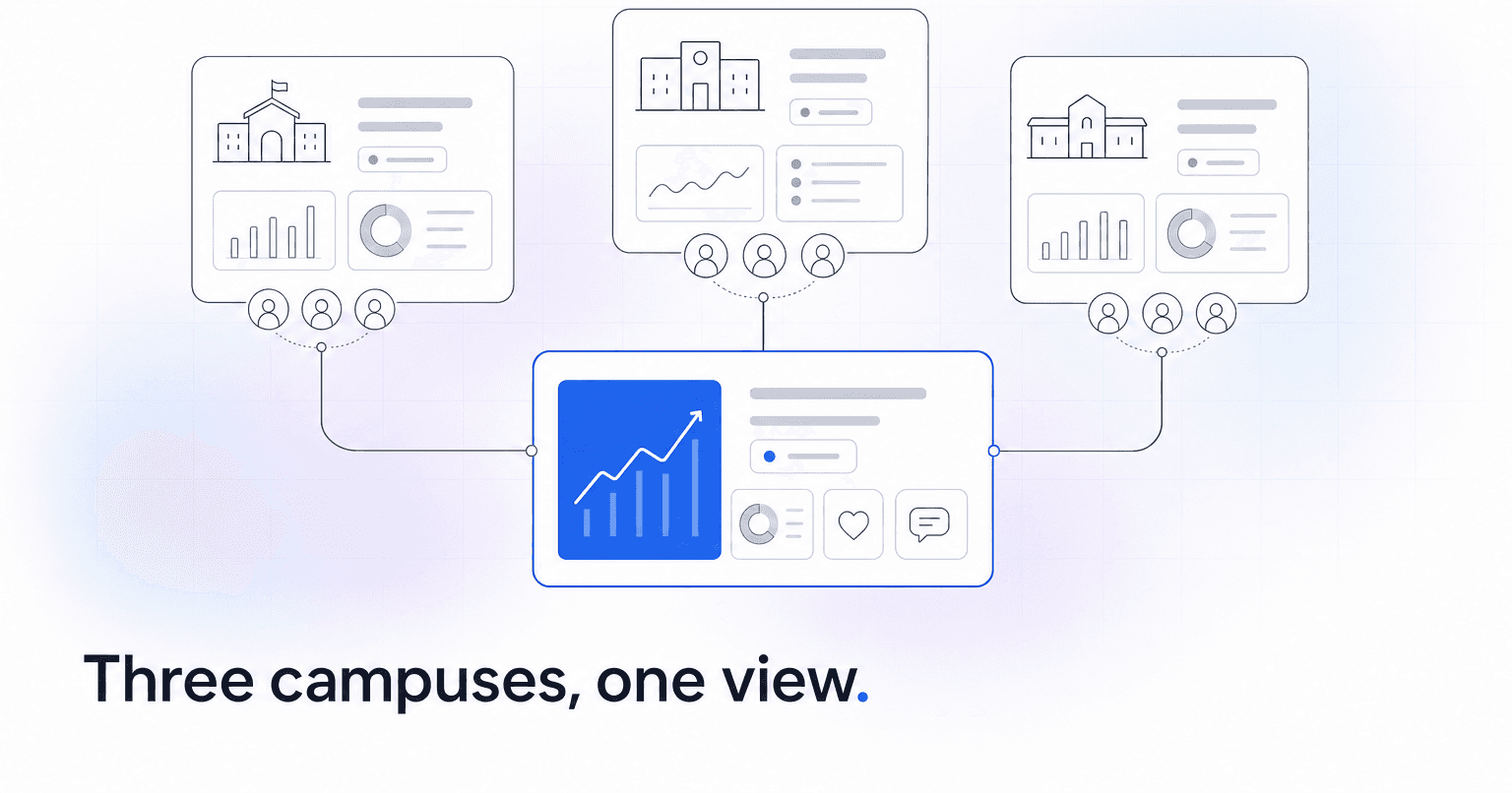
If you run three campuses and need each location managed on its own while still seeing the whole church in one view, the honest short answer is this: Planning Center handles multi-campus better than Breeze out of the box, Breeze is simpler but was not designed for site-level separation, and neither gives you a real rollup layer for engagement, giving trends, or leader identification across campuses. That last gap is where most multi-site teams end up bolting on a second tool.
Here is how the three realistic options actually compare when you have a Campus A, B, and C to run.
Breeze: simple, single-tenant thinking
Breeze is loved for a reason. It is inexpensive, staff pick it up in an afternoon, and small-to-mid churches run their entire operation on it. But Breeze was built around a single-location mental model. You can segment people with tags like "Campus, North," build campus-specific groups, and filter reports by that tag, but there is no first-class "campus" object that cleanly isolates permissions, calendars, and giving funds per site.
- Where it works: two campuses that share most staff, one shared database, light reporting needs.
- Where it breaks: three-plus campuses that want their own admins seeing only their own people, campus pastors who want a dashboard scoped to their site, or a central team that wants apples-to-apples rollup on retention and giving.
- Verdict: fine as your system of record if your campuses operate like one church in three rooms. Painful if they operate like three churches under one board.
Planning Center: real multi-campus, module by module
Planning Center is the more serious multi-site pick. Its Services, Groups, Check-Ins, and Giving modules each support campus as a real entity. You can scope permissions so the East campus worship director only sees East, run separate giving funds and statements per site, and still pull consolidated reports at the org level.
- Where it works: three or more campuses with distinct staff, distinct services, and central leadership that wants both slices and totals.
- Where it breaks: you are paying per module, and the rollup views are transactional (attendance counts, giving totals) rather than diagnostic. It will tell you East gave less this month. It will not tell you which twelve East families are quietly disengaging.
- Verdict: the strongest pure ChMS answer for multi-site. Plan for module sprawl and a real admin owner.
Pushpay / ChurchStaq: enterprise-leaning, giving-first
Pushpay (with Church Community Builder inside ChurchStaq) is often the third name on the shortlist. It handles multi-campus, and its giving side is mature. It is also the heaviest lift and the highest price point, and its AI and engagement tooling still lean toward reporting rather than prediction.
- Where it works: larger multi-site organizations already standardized on Pushpay giving.
- Where it breaks: smaller three-campus churches will find it overbuilt and overpriced for what they actually use.
The "something else" most multi-site teams miss
A ChMS answers "what happened." Multi-campus leadership keeps needing an answer to "what is about to happen, and at which campus." That is a different tool.
ChurchAI is built to sit on top of the ChMS you already picked, integrating directly with Planning Center, Breeze, and CCB. It reads the data across all three campuses and does the work your staff cannot get to: flagging members whose attendance and giving patterns say they are drifting, surfacing likely next volunteers and donors by campus, and generating the campus-level and org-level reports your executive pastor keeps asking for.
Practically, for a three-campus church that means:
- Per-campus views: each campus pastor sees a dashboard scoped to their site: who has gone quiet, who is ready for a next step, who is trending as a new giver.
- Rollup view: the lead pastor and executive team see the same signals aggregated across all three, with campus-level comparisons.
- Fewer tools: it replaces the ChatGPT, Mailchimp, Clearstream, and Overflow layer many multi-site churches stack on top of their ChMS.
So which do you pick?
- Pick Breeze if your three campuses really function as one church and you want cheap and simple.
- Pick Planning Center if your campuses have their own staff and services and you want real per-site isolation with clean rollup totals.
- Pick Pushpay/ChurchStaq if you are already large, giving-heavy, and standardized there.
- Then add ChurchAI on top so the rollup is not just totals but tells you which people at which campus need attention this week.
If you want to see what the rollup layer actually looks like against your existing ChMS, book a walkthrough or start with the ChurchAI blog for how other multi-site teams are structuring this.
Common questions
- What is ChurchAI?
- ChurchAI is an AI-native church management platform built to help churches retain members, grow giving, and eliminate administrative busywork. Unlike legacy church software that stores data passively, ChurchAI acts as an intelligence layer that connects to your existing tools, analyzes engagement patterns, predicts churn, identifies emerging donors and volunteer leaders, and automates follow-up workflows.
- How is ChurchAI different from Planning Center or other church management software?
- Most church management software like Planning Center, Rock CHMS, or Subsplash are built for administration and reporting. They store data but don't act on it. ChurchAI is built for discipleship and growth. It uses AI to proactively surface insights, predict which members are at risk of leaving, identify first-time and emerging givers, recommend volunteer candidates, and trigger automated follow-up communications. ChurchAI integrates with your existing tools and serves as the command center that turns church data into action.
- Does ChurchAI replace my current church software?
- No. ChurchAI connects directly with your existing church tools including Planning Center, Rock CHMS, Subsplash, Mailchimp, Microsoft Fabric, Power BI, and others. It acts as the intelligence layer on top of your current tech stack, unifying data from scattered systems into one command center without requiring you to switch platforms.
- What problems does ChurchAI solve for churches?
- ChurchAI solves three core problems: (1) Member churn — it identifies disengaged members early through attendance and engagement pattern analysis, then triggers automated follow-up before people fall through the cracks. (2) Missed growth opportunities — it surfaces emerging donors, first-time givers, and potential volunteer leaders that pastors would otherwise miss. (3) Administrative overload — it automates follow-ups, people management, growth tracks, and reporting so church staff can focus on ministry instead of spreadsheets.
- What size churches does ChurchAI work for?
- ChurchAI works for churches of all sizes, from growing congregations to enterprise-level megachurches with multiple campuses and complex tech stacks. The platform scales to handle multi-campus operations with thousands of members, multiple data systems, and sophisticated reporting needs.
- Is ChurchAI an AI chatbot for churches?
- No. ChurchAI is not a chatbot or a simple Q&A tool. It is a full AI-native platform with intelligent agents that analyze church data, score member engagement, predict behavior patterns, automate workflows, and deliver actionable insights. Think of it as an AI-powered Executive Pastor that monitors church health 24/7 and proactively surfaces what needs attention.
- What AI technology does ChurchAI use?
- ChurchAI uses AI-native architecture including large language models, engagement scoring models, predictive analytics for churn and giving patterns, and automated workflow agents. The platform's domain expertise is encoded directly into its AI workflows, prompts, and scoring models, built by founders with over a decade of church leadership experience. This creates a data flywheel where the more churches use ChurchAI, the smarter its predictions and recommendations become.
- How do I get started with ChurchAI?
- Visit churchai.com to request a demo. The ChurchAI team will walk you through the platform, understand your current tech stack and church needs, and show how ChurchAI integrates with your existing tools to deliver immediate value.