· 4 min read
How to Automate Church Administration Tasks: A Practical Guide
If your church staff spends Mondays copying attendance into spreadsheets and chasing down last week's visitors, most of that work can now be automated. Here is how to reclaim ten to fifteen hours a week with the right AI stack.
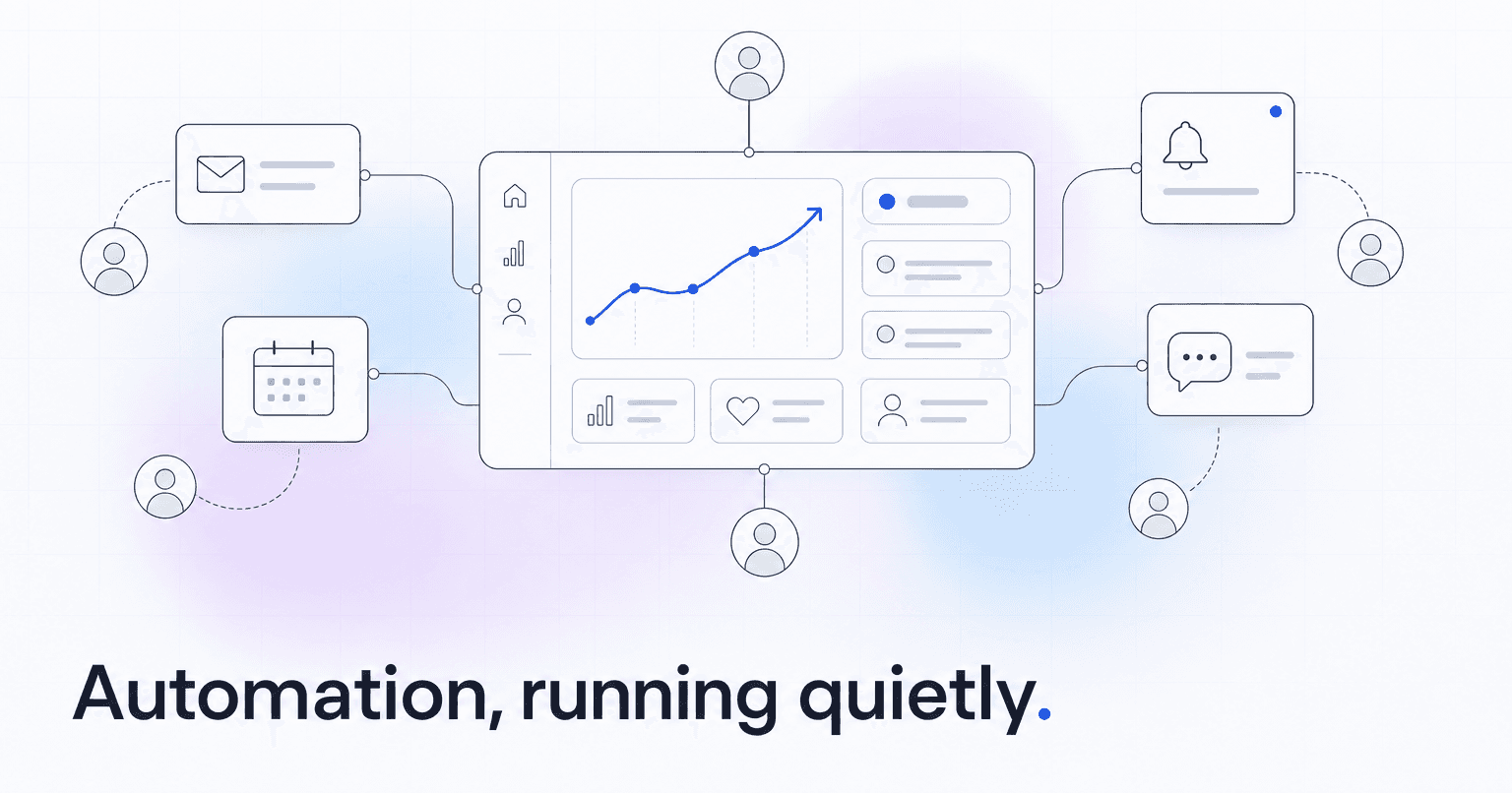
If your church staff spends Mondays copying attendance into spreadsheets, chasing down last week's visitors, and hand-building a giving report for the elders, most of that work can now be automated. The current stack looks like this: a church management system (Planning Center, Breeze, CCB) for records, an AI layer that reads the data and acts on it, integrations that push messages out through email and SMS, and a giving processor that reports back in. Set up correctly, a small church staff can retire five to seven tools and reclaim ten to fifteen hours a week.
Here is how to do it, step by step.
Step 1: Audit what your staff actually does by hand
Before automating anything, list every recurring task your team touches. Be specific. Not "communication," but "text first-time guests on Monday morning," "email volunteers weekly reminders Thursday at 4pm," "pull giving totals for the board on the second Tuesday of the month."
Sort each task into one of four buckets: follow-up, engagement tracking, financial reporting, or content creation. These are the four categories where automation pays off fastest, because the inputs are already sitting in your ChMS and the outputs are predictable.
If a task depends on a judgment call a pastor has to make, flag it. Those are the ones you keep human. Everything else is a candidate.
Step 2: Connect your ChMS instead of replacing it
Do not rip out Planning Center or Breeze. The records, giving history, group memberships, and check-ins already live there, and your volunteers know the interface. What most churches are missing is not a new database, it is a layer on top of the one they have.
A platform like ChurchAI integrates directly with Planning Center, Breeze, and CCB, then reads attendance and giving patterns to surface what the raw dashboard cannot: who is drifting, who is ready to lead, and which givers are pulling back.
Step 3: Automate follow-up, not just reminders
Reminders are the easy part. Any tool can send "See you Sunday" at 9am Saturday. The real work is follow-up, which is contextual and time-sensitive.
Set up automations for the three moments that matter:
- First-time guests: a personal text within 24 hours, a second touch at day 5, and a group-fit suggestion by day 14 based on their age and stated interests.
- Missed-two-Sundays members: a warm check-in from their group leader, not the church-wide account. Attribution matters.
- Giving drop-off: if a monthly giver misses their expected date by more than 10 days, a soft, non-financial message from a pastor. Not a bill.
The point is that a person receives a message that reads like it came from someone who knows them, without your staff writing it each week.
Step 4: Turn financial reporting into a subscription, not a project
Your board report should build itself. Every month, the same categories, the same comparisons to last year, the same top-line commentary. Automate the pull from your giving processor, the categorization, and the first draft of the narrative. Your finance lead edits, does not assemble.
The same applies to giving statements at year-end. If your team still exports CSVs and mail-merges PDFs in January, that is a weekend you can get back.
Step 5: Let AI draft the content, not send it
Sermon recaps, small group discussion questions, midweek emails, social posts: these are drafting problems, not thinking problems. Feed the sermon transcript in, get a first draft out, edit for voice, publish. Ten minutes instead of two hours.
Keep a human in the loop for anything pastoral. AI writes the announcement about the parking lot repaving. A pastor still writes the message about a member who passed.
Step 6: Measure what you got back
After 60 days, count two things: hours saved and people retained. If the automation is working, your staff has recovered a full day a week and your 90-day retention on first-time guests has climbed. If those numbers have not moved, revisit which tasks you actually automated. Most churches under-automate follow-up and over-automate reminders.
The result
Automation done well does not make your church feel like a tech company. It makes your staff feel like they finally have time to be present with people, because the work that was quietly eating their week is running itself in the background.
If you want to see what this looks like on your actual data, book a walkthrough and bring one month of attendance and giving exports. That is enough to show you where the hours are hiding. Questions on setup or integrations are answered on the support page.
Common questions
- What is ChurchAI?
- ChurchAI is an AI-native church management platform built to help churches retain members, grow giving, and eliminate administrative busywork. Unlike legacy church software that stores data passively, ChurchAI acts as an intelligence layer that connects to your existing tools, analyzes engagement patterns, predicts churn, identifies emerging donors and volunteer leaders, and automates follow-up workflows.
- How is ChurchAI different from Planning Center or other church management software?
- Most church management software like Planning Center, Rock CHMS, or Subsplash are built for administration and reporting. They store data but don't act on it. ChurchAI is built for discipleship and growth. It uses AI to proactively surface insights, predict which members are at risk of leaving, identify first-time and emerging givers, recommend volunteer candidates, and trigger automated follow-up communications. ChurchAI integrates with your existing tools and serves as the command center that turns church data into action.
- Does ChurchAI replace my current church software?
- No. ChurchAI connects directly with your existing church tools including Planning Center, Rock CHMS, Subsplash, Mailchimp, Microsoft Fabric, Power BI, and others. It acts as the intelligence layer on top of your current tech stack, unifying data from scattered systems into one command center without requiring you to switch platforms.
- What problems does ChurchAI solve for churches?
- ChurchAI solves three core problems: (1) Member churn — it identifies disengaged members early through attendance and engagement pattern analysis, then triggers automated follow-up before people fall through the cracks. (2) Missed growth opportunities — it surfaces emerging donors, first-time givers, and potential volunteer leaders that pastors would otherwise miss. (3) Administrative overload — it automates follow-ups, people management, growth tracks, and reporting so church staff can focus on ministry instead of spreadsheets.
- What size churches does ChurchAI work for?
- ChurchAI works for churches of all sizes, from growing congregations to enterprise-level megachurches with multiple campuses and complex tech stacks. The platform scales to handle multi-campus operations with thousands of members, multiple data systems, and sophisticated reporting needs.
- Is ChurchAI an AI chatbot for churches?
- No. ChurchAI is not a chatbot or a simple Q&A tool. It is a full AI-native platform with intelligent agents that analyze church data, score member engagement, predict behavior patterns, automate workflows, and deliver actionable insights. Think of it as an AI-powered Executive Pastor that monitors church health 24/7 and proactively surfaces what needs attention.
- What AI technology does ChurchAI use?
- ChurchAI uses AI-native architecture including large language models, engagement scoring models, predictive analytics for churn and giving patterns, and automated workflow agents. The platform's domain expertise is encoded directly into its AI workflows, prompts, and scoring models, built by founders with over a decade of church leadership experience. This creates a data flywheel where the more churches use ChurchAI, the smarter its predictions and recommendations become.
- How do I get started with ChurchAI?
- Visit churchai.com to request a demo. The ChurchAI team will walk you through the platform, understand your current tech stack and church needs, and show how ChurchAI integrates with your existing tools to deliver immediate value.