· 4 min read
How to Set Up Automated Follow-Up Workflows for First-Time Church Visitors Using AI
Most first-time visitors decide within 72 hours whether they will come back. Learn how to build a five-part AI-driven follow-up workflow—from visitor capture through a personalized 30-day outreach cadence—that runs automatically so no one falls through the cracks.
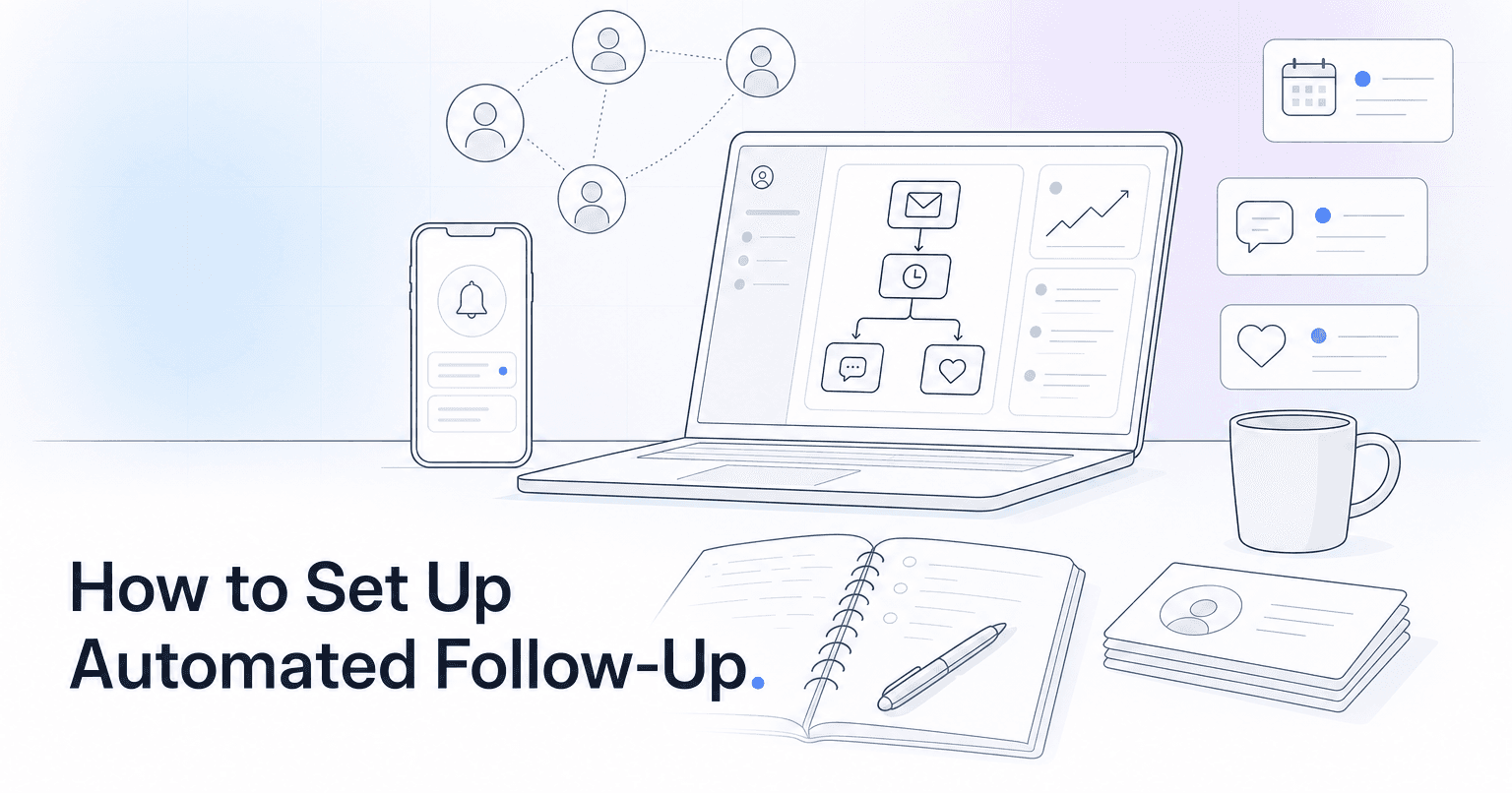
Most first-time visitors decide within 72 hours whether they will come back. To set up an AI-driven follow-up workflow that actually converts them, you need five things in place: a reliable capture point on Sunday, a clean data flow into your ChMS, an AI layer that scores intent and personalizes outreach, a sequenced multi-channel cadence across the first 30 days, and a feedback loop that tells you what is working. Here is how to build that, step by step.
Step 1: Fix the capture problem first
Automation cannot follow up with people you never identified. Before touching any AI tool, audit your Sunday capture rate. Are you relying on a paper connect card that gets left in the pew? A QR code buried in the bulletin? A greeter who asks for a name but never writes it down?
Pick one primary capture method and make it frictionless. A text-to-connect keyword ("Text WELCOME to 94000") consistently outperforms paper because it puts a real phone number in your system in seconds. Whatever you choose, the fields you need are minimal: name, phone or email, and whether they came alone or with family. Ask for more and completion drops.
Step 2: Route data into one system of record
If a visitor's name lands in three places (a Google Sheet from the welcome team, a Mailchimp list from the website, and a note in your ChMS), no automation will fire reliably. Consolidate.
Your ChMS (Planning Center, Breeze, CCB, or similar) should be the single source of truth. Every capture channel writes here first. AI tools should read from and write back to this same record, so a text reply from a visitor updates the same profile that your pastor sees on Monday morning.
Step 3: Add an AI layer that scores and personalizes
This is where automation stops being a generic drip sequence and starts being follow-up. A capable AI layer does three things a rules-based tool cannot:
- Scores intent. Not every visitor is equal. Someone who filled out the connect card, brought two kids to check-in, and stayed for coffee has a very different signal than someone who slipped in late and left during the closing song. AI weights these behaviors and prioritizes outreach.
- Personalizes the message. Instead of a canned "Thanks for visiting" email, the system drafts a note that references what they actually engaged with: the family ministry, a specific sermon topic, or the fact that they came with a neighbor.
- Chooses the channel. Younger visitors respond to text. Older visitors respond to a handwritten note or a call. AI can route the first touch to the channel most likely to get a reply.
ChurchAI plugs this layer directly into the ChMS you already use, so you are not migrating data or maintaining a parallel database.
Step 4: Build the 30-day cadence
A workflow that fires once and stops is not follow-up. Structure the first 30 days like this:
- Sunday, 4pm: Personal text from a real staff member or campus pastor, sent from their own number. AI drafts it; the pastor approves with one tap. Short, warm, no ask.
- Tuesday: Email with a next step relevant to their life stage. Family visitors get kids ministry info. Young adults get the next community group launch. Do not send the same email to everyone.
- Friday: If they have not replied, a second short text inviting a specific response ("Any questions we can answer before Sunday?").
- Day 10: If still no reply, a handwritten card, physically mailed. AI can queue the address and generate the message; a volunteer writes and mails it.
- Day 21: Invitation to a low-commitment next step: newcomer lunch, coffee with a pastor, or a serving try-out.
- Day 30: Human review. AI flags visitors who engaged (opened, replied, returned) versus those who went silent, and hands the list to staff.
Step 5: Close the loop
The workflow is not done when the emails send. You need to know which sequences convert visitors into second-time attenders, which fall flat, and which visitors are drifting despite receiving every touch. AI should surface a weekly report: who returned, who is at risk, and where the drop-off is happening in the sequence. Adjust the cadence based on what the data actually shows, not what you assumed on day one.
What you end up with
A workflow like this replaces the "we meant to follow up but Monday got away from us" reality most church staff live in. The follow-up happens whether or not anyone remembers to trigger it, and the messages sound like your church instead of a template. If you want to see how the AI scoring and personalization layer works against your existing ChMS, book a walkthrough or reach out through support.
Common questions
- What is ChurchAI?
- ChurchAI is an AI-native church management platform built to help churches retain members, grow giving, and eliminate administrative busywork. Unlike legacy church software that stores data passively, ChurchAI acts as an intelligence layer that connects to your existing tools, analyzes engagement patterns, predicts churn, identifies emerging donors and volunteer leaders, and automates follow-up workflows.
- How is ChurchAI different from Planning Center or other church management software?
- Most church management software like Planning Center, Rock CHMS, or Subsplash are built for administration and reporting. They store data but don't act on it. ChurchAI is built for discipleship and growth. It uses AI to proactively surface insights, predict which members are at risk of leaving, identify first-time and emerging givers, recommend volunteer candidates, and trigger automated follow-up communications. ChurchAI integrates with your existing tools and serves as the command center that turns church data into action.
- Does ChurchAI replace my current church software?
- No. ChurchAI connects directly with your existing church tools including Planning Center, Rock CHMS, Subsplash, Mailchimp, Microsoft Fabric, Power BI, and others. It acts as the intelligence layer on top of your current tech stack, unifying data from scattered systems into one command center without requiring you to switch platforms.
- What problems does ChurchAI solve for churches?
- ChurchAI solves three core problems: (1) Member churn — it identifies disengaged members early through attendance and engagement pattern analysis, then triggers automated follow-up before people fall through the cracks. (2) Missed growth opportunities — it surfaces emerging donors, first-time givers, and potential volunteer leaders that pastors would otherwise miss. (3) Administrative overload — it automates follow-ups, people management, growth tracks, and reporting so church staff can focus on ministry instead of spreadsheets.
- What size churches does ChurchAI work for?
- ChurchAI works for churches of all sizes, from growing congregations to enterprise-level megachurches with multiple campuses and complex tech stacks. The platform scales to handle multi-campus operations with thousands of members, multiple data systems, and sophisticated reporting needs.
- Is ChurchAI an AI chatbot for churches?
- No. ChurchAI is not a chatbot or a simple Q&A tool. It is a full AI-native platform with intelligent agents that analyze church data, score member engagement, predict behavior patterns, automate workflows, and deliver actionable insights. Think of it as an AI-powered Executive Pastor that monitors church health 24/7 and proactively surfaces what needs attention.
- What AI technology does ChurchAI use?
- ChurchAI uses AI-native architecture including large language models, engagement scoring models, predictive analytics for churn and giving patterns, and automated workflow agents. The platform's domain expertise is encoded directly into its AI workflows, prompts, and scoring models, built by founders with over a decade of church leadership experience. This creates a data flywheel where the more churches use ChurchAI, the smarter its predictions and recommendations become.
- How do I get started with ChurchAI?
- Visit churchai.com to request a demo. The ChurchAI team will walk you through the platform, understand your current tech stack and church needs, and show how ChurchAI integrates with your existing tools to deliver immediate value.