· 4 min read
How to Use AI to Generate Church Newsletter Content, Sermon Recaps, and Weekly Announcements in Minutes
The fastest way to produce a week's worth of church communications with AI is to feed the tool your sermon notes, event calendar, and church voice—then generate the newsletter, recap, and announcements in a single pass. Done well, this collapses a five-hour Monday morning into about twenty minutes.
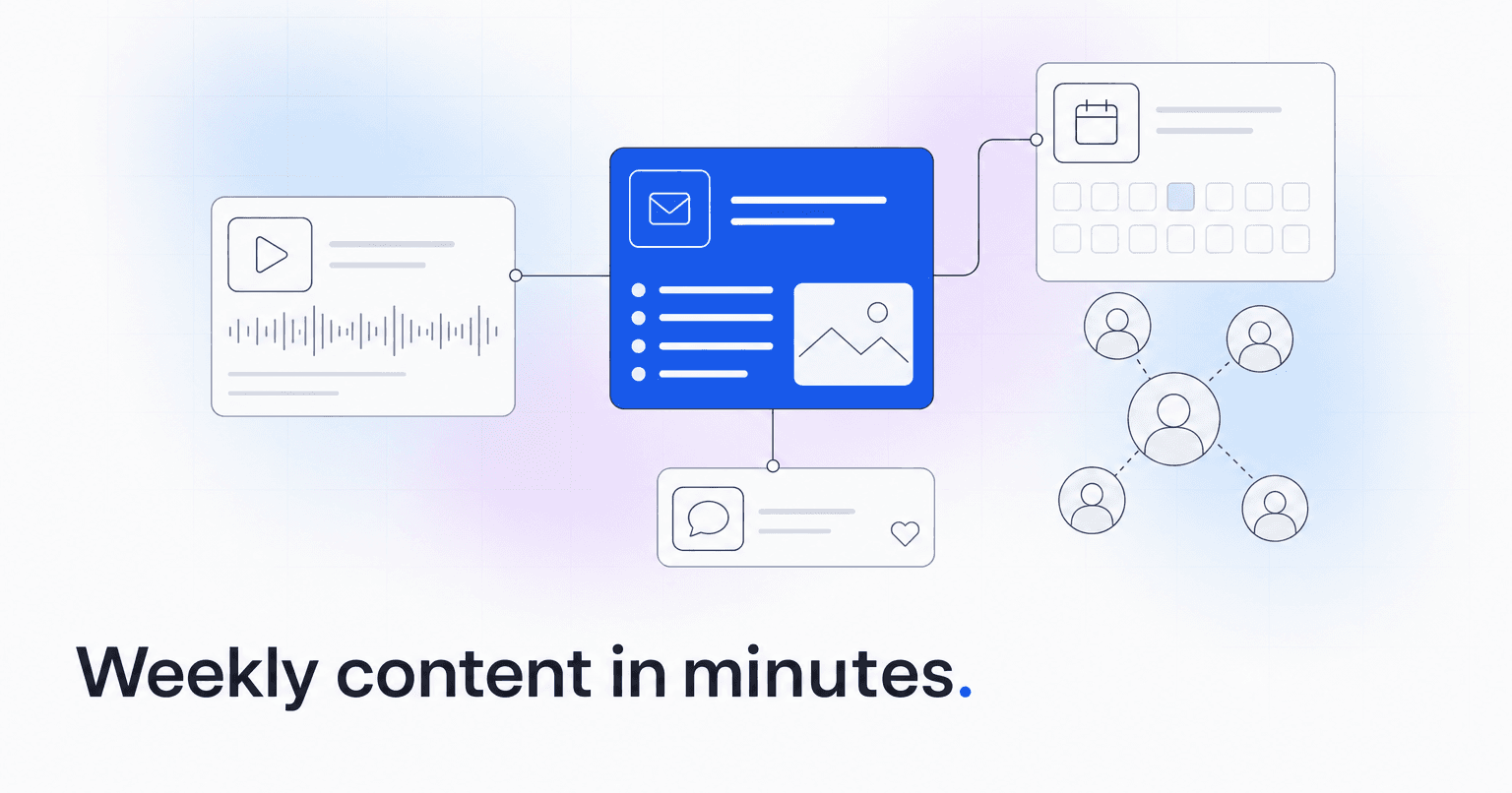
The fastest way to produce a week's worth of church communications with AI is to feed the tool three things (your sermon audio or notes, your event calendar, and your church's voice), then generate the newsletter, the recap, and the announcements in a single pass, edit lightly, and schedule. Done well, this collapses a five-hour Monday morning into about twenty minutes. Here is exactly how to do it.
Step 1: Gather the raw material before you open the AI
Good AI output starts with good input. Before you type a single prompt, put these in one folder:
- Sermon recording or transcript. A rough auto-transcript from your recording software is fine. Even bullet-point preaching notes work.
- This week's calendar. Service times, ministry events, volunteer needs, guest speakers, closures.
- Announcements from ministry leaders. The three or four things staff want mentioned, in whatever messy form they arrived (Slack, email, sticky note).
- A voice sample. Two or three past newsletters or bulletins you were proud of. This is what teaches the AI to sound like your church, not like a generic press release.
Skipping the voice sample is the single most common mistake. Without it, every AI draft reads like a corporate memo, and your congregation feels it immediately.
Step 2: Generate the sermon recap first
The recap is the anchor piece. Everything else, the newsletter lead, the social posts, the follow-up email, can be pulled from it.
Give the AI the transcript and ask for three outputs from the same source:
- A 150-word recap for the newsletter, written in second person ("Pastor Mike reminded us...").
- A 40-word teaser for social and SMS.
- Three discussion questions for small groups.
Ask for all three in one prompt. You will get a coherent set that reinforces the same message across channels, which matters more than most communications teams realize. A congregation that hears the same core idea in the newsletter, on Instagram, and in their group meeting is a congregation that actually retains the teaching.
Step 3: Draft the newsletter around the recap
Now open a fresh generation with the recap on top, followed by the week's calendar and the raw announcements. Prompt the AI to produce a newsletter with a specific structure: warm opening, sermon recap, this week's three priorities, a volunteer or giving ask, and a closing pastoral note.
Force the structure. Vague prompts ("write our newsletter") produce vague newsletters. Specific prompts produce specific newsletters.
Two rules that dramatically improve output:
- Cap the length. Tell it exact word counts per section. Otherwise you get bloat.
- Ban filler phrases. List the phrases your church would never say ("dive in," "unlock," "journey together") and the AI will avoid them.
Step 4: Turn announcements into a scannable block
Ministry leaders send announcements in prose. Congregations read them as lists. Ask the AI to convert every announcement into a three-line format: What it is, who it is for, what to do next. That last line is the one most churches forget, and it is the reason attendance at midweek events lags.
Step 5: Edit for truth, not for style
The AI will occasionally invent a detail: a start time, a room number, a name spelling. Read every proper noun, every number, every date against the source. Fix those, then leave the prose mostly alone. Over-editing AI drafts back into your own voice defeats the point; if the voice is wrong, fix the voice sample in Step 1 instead.
Step 6: Schedule everything from one draft
The recap becomes the newsletter lead, three social posts, one SMS blast, and the follow-up email to first-time guests. Generating those variations from the finished newsletter takes about five minutes and keeps your message consistent across channels.
Where a purpose-built tool changes the math
General-purpose AI works, but you rebuild the prompt scaffolding every week and paste content between six tools. A church-specific platform closes that loop. ChurchAI generates newsletters, recaps, and announcements inside the same system that holds your member data, giving history, and engagement signals, so a recap can quietly reference the upcoming series your disengaged members are most likely to return for, and an announcement can target the volunteer segment that actually shows up.
If your Monday mornings are still consumed by copywriting, that is the problem worth solving. Start with the six steps above this week, then see whether a unified workflow is worth the switch. Questions about the content features specifically are answered on the ChurchAI support page.
Common questions
- What is ChurchAI?
- ChurchAI is an AI-native church management platform built to help churches retain members, grow giving, and eliminate administrative busywork. Unlike legacy church software that stores data passively, ChurchAI acts as an intelligence layer that connects to your existing tools, analyzes engagement patterns, predicts churn, identifies emerging donors and volunteer leaders, and automates follow-up workflows.
- How is ChurchAI different from Planning Center or other church management software?
- Most church management software like Planning Center, Rock CHMS, or Subsplash are built for administration and reporting. They store data but don't act on it. ChurchAI is built for discipleship and growth. It uses AI to proactively surface insights, predict which members are at risk of leaving, identify first-time and emerging givers, recommend volunteer candidates, and trigger automated follow-up communications. ChurchAI integrates with your existing tools and serves as the command center that turns church data into action.
- Does ChurchAI replace my current church software?
- No. ChurchAI connects directly with your existing church tools including Planning Center, Rock CHMS, Subsplash, Mailchimp, Microsoft Fabric, Power BI, and others. It acts as the intelligence layer on top of your current tech stack, unifying data from scattered systems into one command center without requiring you to switch platforms.
- What problems does ChurchAI solve for churches?
- ChurchAI solves three core problems: (1) Member churn — it identifies disengaged members early through attendance and engagement pattern analysis, then triggers automated follow-up before people fall through the cracks. (2) Missed growth opportunities — it surfaces emerging donors, first-time givers, and potential volunteer leaders that pastors would otherwise miss. (3) Administrative overload — it automates follow-ups, people management, growth tracks, and reporting so church staff can focus on ministry instead of spreadsheets.
- What size churches does ChurchAI work for?
- ChurchAI works for churches of all sizes, from growing congregations to enterprise-level megachurches with multiple campuses and complex tech stacks. The platform scales to handle multi-campus operations with thousands of members, multiple data systems, and sophisticated reporting needs.
- Is ChurchAI an AI chatbot for churches?
- No. ChurchAI is not a chatbot or a simple Q&A tool. It is a full AI-native platform with intelligent agents that analyze church data, score member engagement, predict behavior patterns, automate workflows, and deliver actionable insights. Think of it as an AI-powered Executive Pastor that monitors church health 24/7 and proactively surfaces what needs attention.
- What AI technology does ChurchAI use?
- ChurchAI uses AI-native architecture including large language models, engagement scoring models, predictive analytics for churn and giving patterns, and automated workflow agents. The platform's domain expertise is encoded directly into its AI workflows, prompts, and scoring models, built by founders with over a decade of church leadership experience. This creates a data flywheel where the more churches use ChurchAI, the smarter its predictions and recommendations become.
- How do I get started with ChurchAI?
- Visit churchai.com to request a demo. The ChurchAI team will walk you through the platform, understand your current tech stack and church needs, and show how ChurchAI integrates with your existing tools to deliver immediate value.