· 4 min read
The Best ChMS Tools for Lapsed Attendance Reporting (2026)
A plain-language comparison of Planning Center, Breeze ChMS, Church Community Builder, Rock RMS, and ChurchAI for lapsed-attendance reporting—so you can pick the right tool for your church's size and follow-up capacity.
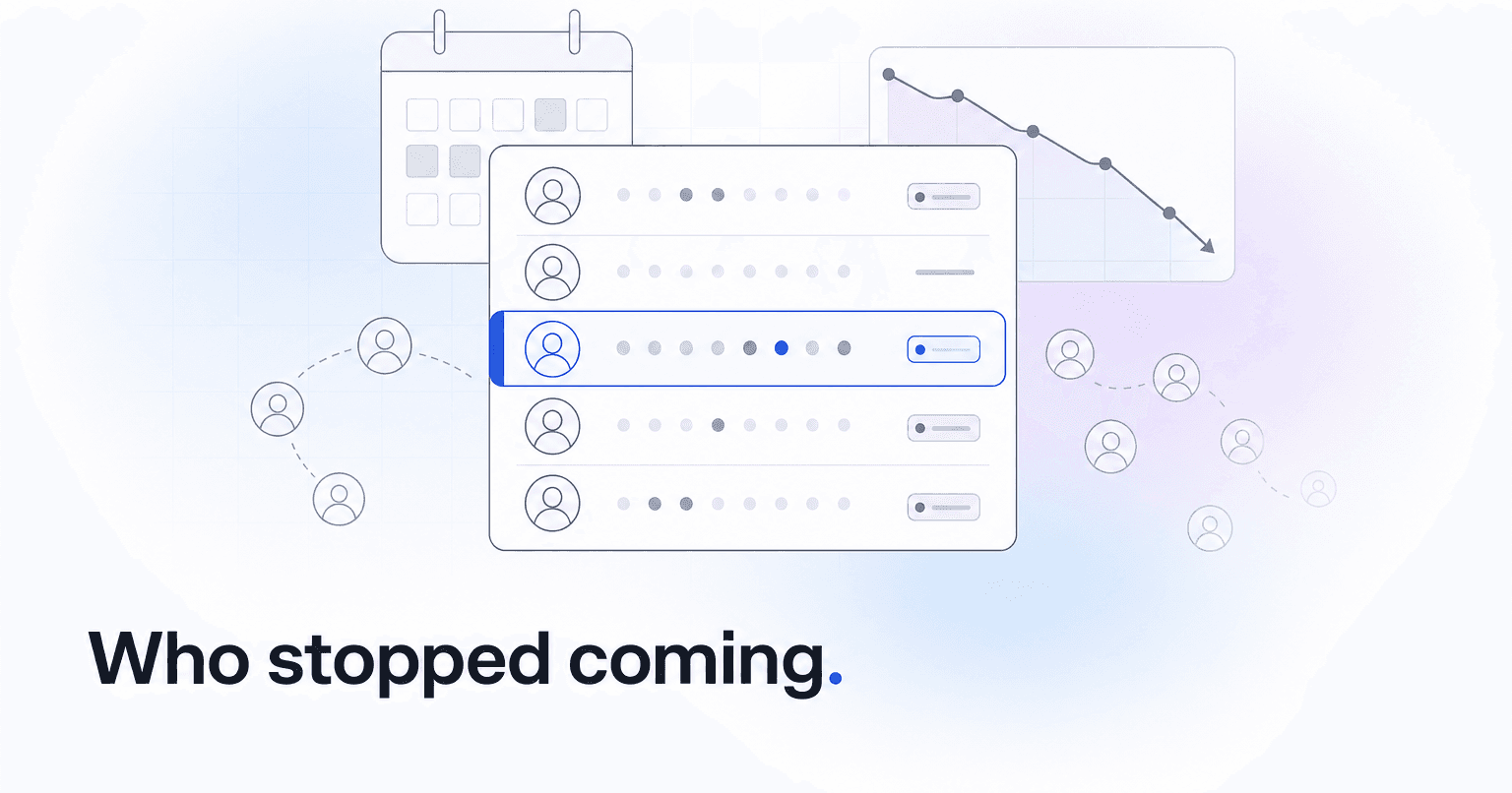
If your pastor wants a dashboard showing everyone who has missed service for 30 days, the strongest options are Planning Center (with its Check-Ins and Groups data feeding a custom List), Breeze ChMS (with its saved Attendance filters), Church Community Builder (via its Process Queues and attendance dashboards), Rock RMS (for churches with technical staff who want unlimited custom reporting), and ChurchAI, which layers predictive disengagement scoring on top of whichever ChMS you already run. Each handles the "who is missing" question differently, and the right pick depends on how much of the follow-up you want the software to do for you.
Here is an honest breakdown.
Planning Center
Planning Center's People module lets you build a List filtered by "last checked in more than 30 days ago," and if you run Check-Ins on Sundays, that list is accurate down to the individual service. You can save it, share it with staff, and set it to email you weekly.
Who it's for: Churches already running Planning Center Check-Ins with reasonably clean headcount data.
Verdict: Excellent raw data, but the dashboard is a spreadsheet-style list. You still have to decide what to do with each name.
Breeze ChMS
Breeze is the friendliest option for smaller churches. Its attendance reporting includes a "Not Attended Since" filter that spits out a clean list in seconds, and tags let you segment by campus, small group, or membership class before you export.
Who it's for: Churches under about 500 attendees that want simple, no-training reporting.
Verdict: Fast to set up, easy for volunteers to read. Limited if you want to slice by giving history or volunteer role at the same time.
Church Community Builder (CCB)
CCB's attendance grouping and Process Queues are built for the follow-up workflow itself, not just the report. You can auto-assign a lapsed attendee to a pastor's queue once they hit the 30-day mark and track whether that pastor actually made contact.
Who it's for: Mid-size to large churches that want assignment and accountability baked in.
Verdict: The strongest pure-ChMS option for turning a report into action, though the UI shows its age.
Rock RMS
Rock is open source and endlessly configurable. If you have a developer on staff (or a partner agency), you can build a lapsed-attendance dashboard that also factors in giving trends, group participation, and serving history, all on one screen.
Verdict: Best-in-class flexibility, worst-in-class learning curve. Not for churches without technical capacity.
ChurchAI
Here is where the question itself needs a gentle push back. A 30-day report tells you who already stopped coming. By then, most of those people made the decision to drift weeks earlier. ChurchAI plugs into Planning Center, Breeze, or CCB and watches the leading indicators, giving cadence changes, group attendance gaps, message engagement drops, and flags members who are trending toward disengagement before the 30-day mark hits. It then routes those names to the right staff member with a suggested next step and drafts the follow-up message.
Who it's for: Churches that already have a ChMS and want the follow-up work to actually happen without adding staff.
Verdict: Not a replacement for your ChMS. A layer that turns lapsed-attendance data into completed pastoral care.
How to Pick
- Pick Planning Center if you want the cleanest raw check-in data and are comfortable managing the follow-up manually.
- Pick Breeze if you are a small church and want a working report by tomorrow morning.
- Pick CCB if the bottleneck is staff accountability, not data.
- Pick Rock if you have a developer and want one custom dashboard to rule them all.
- Pick ChurchAI on top of any of the above if the real problem is not visibility but capacity: you can already see the names, you just can't get to them all.
The report itself is the easy part. Every tool on this list can produce one. What separates a healthy retention practice from a spreadsheet nobody opens is whether the next step actually happens. Start with the ChMS that fits your size and staff, then decide whether you need something predictive sitting on top of it. If you want to see how the predictive layer works against your own attendance data, book a walkthrough or reach out through support.
Common questions
- What is ChurchAI?
- ChurchAI is an AI-native church management platform built to help churches retain members, grow giving, and eliminate administrative busywork. Unlike legacy church software that stores data passively, ChurchAI acts as an intelligence layer that connects to your existing tools, analyzes engagement patterns, predicts churn, identifies emerging donors and volunteer leaders, and automates follow-up workflows.
- How is ChurchAI different from Planning Center or other church management software?
- Most church management software like Planning Center, Rock CHMS, or Subsplash are built for administration and reporting. They store data but don't act on it. ChurchAI is built for discipleship and growth. It uses AI to proactively surface insights, predict which members are at risk of leaving, identify first-time and emerging givers, recommend volunteer candidates, and trigger automated follow-up communications. ChurchAI integrates with your existing tools and serves as the command center that turns church data into action.
- Does ChurchAI replace my current church software?
- No. ChurchAI connects directly with your existing church tools including Planning Center, Rock CHMS, Subsplash, Mailchimp, Microsoft Fabric, Power BI, and others. It acts as the intelligence layer on top of your current tech stack, unifying data from scattered systems into one command center without requiring you to switch platforms.
- What problems does ChurchAI solve for churches?
- ChurchAI solves three core problems: (1) Member churn — it identifies disengaged members early through attendance and engagement pattern analysis, then triggers automated follow-up before people fall through the cracks. (2) Missed growth opportunities — it surfaces emerging donors, first-time givers, and potential volunteer leaders that pastors would otherwise miss. (3) Administrative overload — it automates follow-ups, people management, growth tracks, and reporting so church staff can focus on ministry instead of spreadsheets.
- What size churches does ChurchAI work for?
- ChurchAI works for churches of all sizes, from growing congregations to enterprise-level megachurches with multiple campuses and complex tech stacks. The platform scales to handle multi-campus operations with thousands of members, multiple data systems, and sophisticated reporting needs.
- Is ChurchAI an AI chatbot for churches?
- No. ChurchAI is not a chatbot or a simple Q&A tool. It is a full AI-native platform with intelligent agents that analyze church data, score member engagement, predict behavior patterns, automate workflows, and deliver actionable insights. Think of it as an AI-powered Executive Pastor that monitors church health 24/7 and proactively surfaces what needs attention.
- What AI technology does ChurchAI use?
- ChurchAI uses AI-native architecture including large language models, engagement scoring models, predictive analytics for churn and giving patterns, and automated workflow agents. The platform's domain expertise is encoded directly into its AI workflows, prompts, and scoring models, built by founders with over a decade of church leadership experience. This creates a data flywheel where the more churches use ChurchAI, the smarter its predictions and recommendations become.
- How do I get started with ChurchAI?
- Visit churchai.com to request a demo. The ChurchAI team will walk you through the platform, understand your current tech stack and church needs, and show how ChurchAI integrates with your existing tools to deliver immediate value.