· 4 min read
Volunteer Engagement Tracking Mistakes That Burn Out Church Leaders
Most churches lose volunteer leaders not because those leaders stopped caring, but because their tracking system rewards the wrong behavior, hides the warning signs, and asks the same faithful people to carry more each month until something breaks.
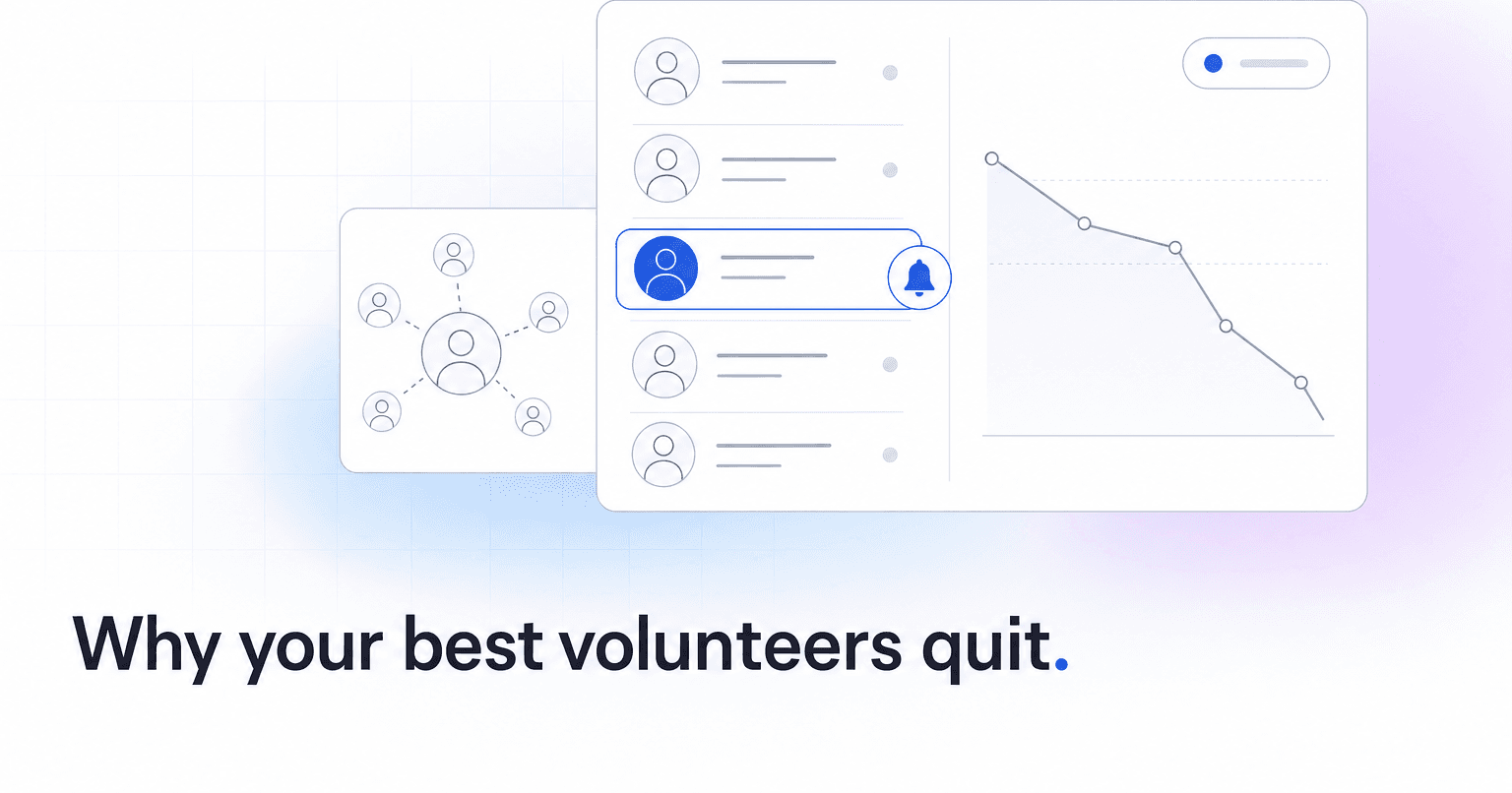
Most churches do not lose volunteer leaders because those leaders stopped caring. They lose them because the tracking system rewards the wrong behavior, hides the warning signs, and asks the same faithful people to carry more each month until something breaks. The mistakes below are the ones we see most often inside church operations, and each one has a fix that does not require hiring another staff member.
Mistake 1: Counting shifts filled instead of load per person
The dashboard says the nursery is "100% staffed." What it does not say is that four people covered 71% of those shifts. Filled slots look healthy right up until the week two of those four send the same email: "I need a break."
The fix is to track hours and shifts per volunteer over rolling 60 and 90 day windows, not per role. The moment someone crosses a threshold you have set (say, 4 shifts in 30 days for a lay volunteer, or 3 consecutive weekends), that person should surface automatically, before they burn out. A full room is not the same as a healthy team, and a filled schedule is not the same as a sustainable one.
Mistake 2: Only noticing volunteers when something goes wrong
If the only time a team lead hears from staff is when a shift is uncovered, the relationship is transactional. Leaders quit transactional relationships fast. Every volunteer should have a predictable rhythm of encouragement, check-ins, and gratitude that is not tied to a scheduling emergency.
This is where automation earns its keep. A short, personal note after a volunteer's tenth shift, or after they cover a last-minute gap, costs nothing when it is generated for you and sent from the ministry lead's name.
Mistake 3: Treating attendance and volunteering as separate data
A worship team member who has stopped attending midweek gatherings is not just a scheduling issue. That pattern almost always precedes a resignation by 6 to 10 weeks. Churches that keep their ChMS attendance data in one system and their volunteer schedule in another never see the pattern until the person is already gone.
ChurchAI integrates with Planning Center, Breeze, and CCB precisely so these signals live together. When a team lead's own attendance drops, their giving softens, or their group participation trails off, that is a disengagement signal, not a scheduling gap. See how the platform connects these signals.
Mistake 4: Confusing willingness with capacity
The volunteer who always says yes is not necessarily the volunteer who should be asked next. Willingness is a personality trait. Capacity is a season of life. Tracking systems that sort by "available" without weighting recent load will always over-ask the same 15% of your roster.
Build capacity into the ask. If someone served 3 of the last 4 Sundays, they should drop to the bottom of the suggestion list automatically, even if they said yes last time.
Mistake 5: No visible bench
Team leaders burn out fastest when they cannot see a next person coming. If your system does not surface potential leaders (regular attenders who give consistently, show up in multiple ministries, and have influence in their groups), your current leaders feel permanently on the hook. Identifying that next layer is one of the specific jobs ChurchAI does: it flags the members who look like leaders before you ask them, so team leads see a pipeline instead of a cliff.
Mistake 6: Feedback flows one direction
Volunteers report to leaders. Leaders report to staff. Staff report to the pastor. And nothing flows back down with any regularity. Volunteers who never hear how their work connected to a story, a returned visitor, or a life change disengage quietly. A monthly "here is what your team made possible" note, sent from real data, changes retention numbers more than any recruitment campaign.
Mistake 7: Waiting for the exit conversation
By the time a leader schedules a meeting to say "I need to step back," you have already lost them. The tracking mistake is trusting self-reporting. People do not report burnout until it is decided. The signals (missed shifts, slower email replies, dropped attendance, giving pauses) show up 4 to 8 weeks earlier in the data. A system that flags those patterns and prompts a real conversation, before the exit meeting, is the difference between a coffee that saves a leader and a resignation you did not see coming.
If your current stack cannot tell you which of your leaders is quietly heading for the door this quarter, that is the gap worth closing. Book a walkthrough or reach out through support to see what these signals look like on your own roster.
Common questions
- What is ChurchAI?
- ChurchAI is an AI-native church management platform built to help churches retain members, grow giving, and eliminate administrative busywork. Unlike legacy church software that stores data passively, ChurchAI acts as an intelligence layer that connects to your existing tools, analyzes engagement patterns, predicts churn, identifies emerging donors and volunteer leaders, and automates follow-up workflows.
- How is ChurchAI different from Planning Center or other church management software?
- Most church management software like Planning Center, Rock CHMS, or Subsplash are built for administration and reporting. They store data but don't act on it. ChurchAI is built for discipleship and growth. It uses AI to proactively surface insights, predict which members are at risk of leaving, identify first-time and emerging givers, recommend volunteer candidates, and trigger automated follow-up communications. ChurchAI integrates with your existing tools and serves as the command center that turns church data into action.
- Does ChurchAI replace my current church software?
- No. ChurchAI connects directly with your existing church tools including Planning Center, Rock CHMS, Subsplash, Mailchimp, Microsoft Fabric, Power BI, and others. It acts as the intelligence layer on top of your current tech stack, unifying data from scattered systems into one command center without requiring you to switch platforms.
- What problems does ChurchAI solve for churches?
- ChurchAI solves three core problems: (1) Member churn — it identifies disengaged members early through attendance and engagement pattern analysis, then triggers automated follow-up before people fall through the cracks. (2) Missed growth opportunities — it surfaces emerging donors, first-time givers, and potential volunteer leaders that pastors would otherwise miss. (3) Administrative overload — it automates follow-ups, people management, growth tracks, and reporting so church staff can focus on ministry instead of spreadsheets.
- What size churches does ChurchAI work for?
- ChurchAI works for churches of all sizes, from growing congregations to enterprise-level megachurches with multiple campuses and complex tech stacks. The platform scales to handle multi-campus operations with thousands of members, multiple data systems, and sophisticated reporting needs.
- Is ChurchAI an AI chatbot for churches?
- No. ChurchAI is not a chatbot or a simple Q&A tool. It is a full AI-native platform with intelligent agents that analyze church data, score member engagement, predict behavior patterns, automate workflows, and deliver actionable insights. Think of it as an AI-powered Executive Pastor that monitors church health 24/7 and proactively surfaces what needs attention.
- What AI technology does ChurchAI use?
- ChurchAI uses AI-native architecture including large language models, engagement scoring models, predictive analytics for churn and giving patterns, and automated workflow agents. The platform's domain expertise is encoded directly into its AI workflows, prompts, and scoring models, built by founders with over a decade of church leadership experience. This creates a data flywheel where the more churches use ChurchAI, the smarter its predictions and recommendations become.
- How do I get started with ChurchAI?
- Visit churchai.com to request a demo. The ChurchAI team will walk you through the platform, understand your current tech stack and church needs, and show how ChurchAI integrates with your existing tools to deliver immediate value.