· 4 min read
Which Church Software Actually Makes Data Migration Painless? A Case Study
The platforms that make migration painless are the ones that treat your legacy data as a first-class problem, not a checkbox. Here is what that looks like in the field — and what one church learned after watching 1,400 contacts explode into 312 duplicates on the first attempt.
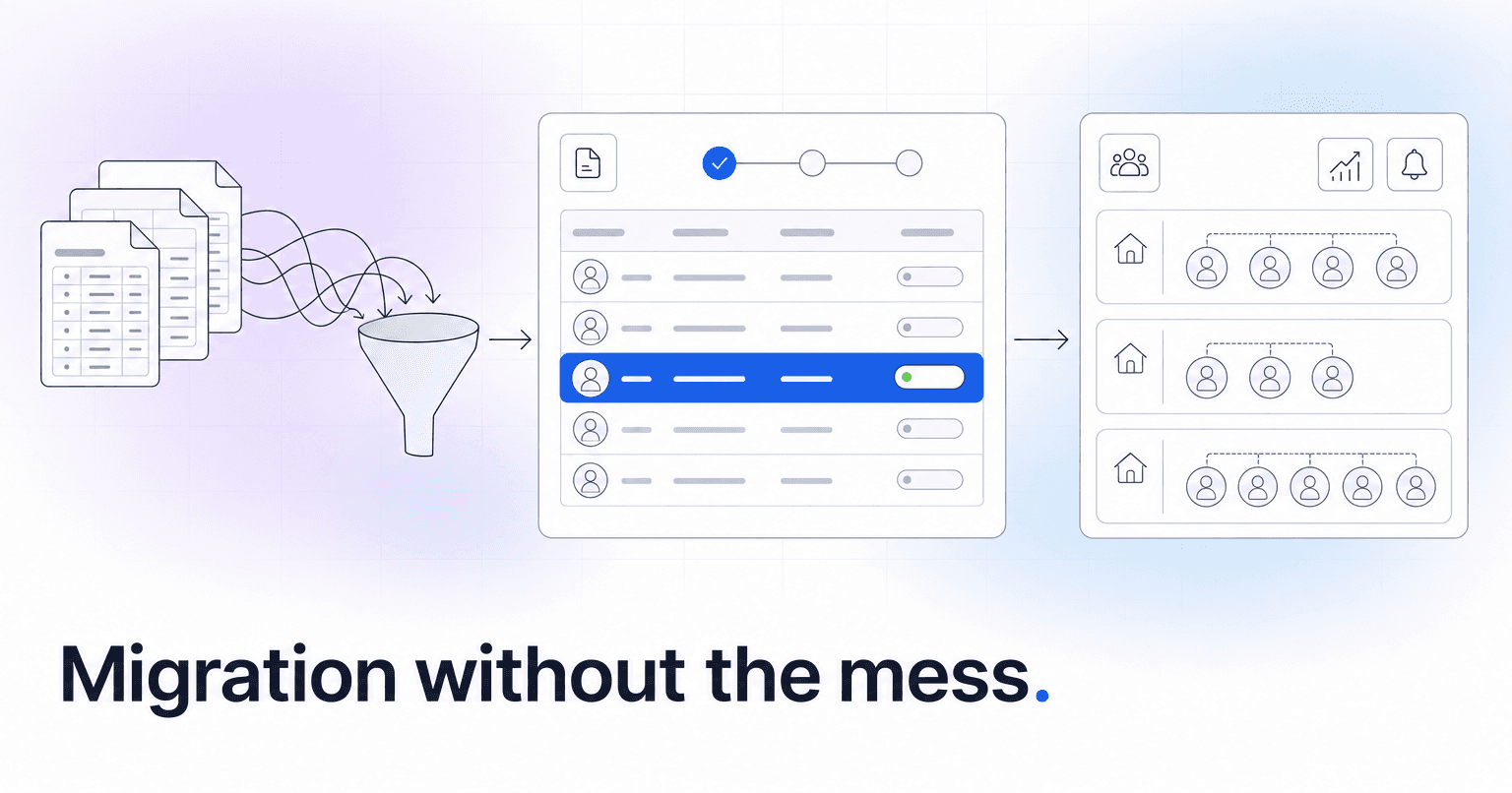
Which church software actually makes it easy to bring in old records?
The short answer: the platforms that make migration painless are the ones that treat your legacy data as a first-class problem, not a checkbox. In practice, that means Planning Center, Breeze, and Church Community Builder (CCB) all have workable import paths, but the real difference shows up in how the vendor handles the mess before, during, and after the CSV upload. The tools that win are the ones that give you a dedicated onboarding contact, a sandbox to test in, and logic that can reconcile duplicate households, orphaned giving records, and inconsistent attendance history without asking you to clean it all by hand first.
Here is what that looks like in the field.
The situation: 1,400 people, 11 years of spreadsheets
A church we worked with recently had roughly 1,400 active contacts spread across four Google Sheets, a Mailchimp list, a QuickBooks giving export, and a shared Dropbox folder of PDFs from their previous ChMS attempt (abandoned in 2022). The office admin had inherited the mess from two predecessors. Household relationships lived in a "Notes" column. Giving was tracked by envelope number in one file and by name in another. Attendance existed only as photos of paper sign-in sheets from small groups.
They picked a well-known ChMS, uploaded their master CSV, and watched it explode: 312 duplicate contacts, 88 people assigned to the wrong household, giving history detached from donors, and no way to roll it back without starting the trial over.
What actually went wrong
The failure was not the software. It was the assumption that a single CSV upload could resolve years of inconsistent data entry. Three specific things broke:
- No pre-import audit. Nobody looked at the source files and flagged that "Smith, John" and "John Smith" and "Jon Smith" were the same person across three sheets.
- No household logic. The importer treated every row as an individual, so spouses and kids landed as unrelated contacts.
- No staging environment. The import went straight into the live database. Undoing it meant deleting real records the staff had already started editing.
What the second attempt did differently
They started over, this time with a structured migration plan. The steps that mattered:
- Export everything into one canonical file first. One sheet, one row per person, standardized column headers (First, Last, Email, Phone, HouseholdID, Envelope#, LastGiftDate, LastAttendedDate).
- Deduplicate by email, then by phone, then by name+DOB. This alone collapsed 312 duplicates into 47 real conflicts that needed a human decision.
- Assign a HouseholdID column manually for the top 200 families. The rest could be inferred from shared address and last name.
- Import into a sandbox environment, not production. Every ChMS worth using offers one; if a vendor will not give you a test tenant, that is a red flag.
- Reconcile giving history separately, matched on envelope number. Never trust name-matching for financial records.
The second import took nine days end to end instead of the six weeks the first attempt burned. Ninety-four percent of records landed clean. The remaining six percent were flagged in a review queue.
Where ChurchAI fits
ChurchAI does not replace Planning Center, Breeze, or CCB. It sits on top of them and integrates directly, which changes the migration conversation in a useful way: you pick the ChMS whose import tooling you trust for your data shape, and ChurchAI reads from it once the records are in. Onboarding a new church means we look at the legacy data with you, help identify the duplicate and household issues before anything gets imported, and then plug into your ChMS so the AI has clean signal to work with from day one. If your giving history is fragmented or your attendance data is thin, we flag that up front rather than after go-live.
If you want a second set of eyes on your migration plan before you commit, book a demo and bring your source files. We would rather spend an hour helping you scope the import correctly than watch another church rebuild their database in month three.
The reusable takeaway: no ChMS makes bad data good. The platforms that feel easy to migrate to are the ones that force you to confront the mess before it lands in production, and that give you a human on the other end of the phone when it does not go as planned. For more on getting cleaner signal out of your church data, the ChurchAI blog covers this regularly, and support is the fastest way to reach us with a specific migration question.
Common questions
- What is ChurchAI?
- ChurchAI is an AI-native church management platform built to help churches retain members, grow giving, and eliminate administrative busywork. Unlike legacy church software that stores data passively, ChurchAI acts as an intelligence layer that connects to your existing tools, analyzes engagement patterns, predicts churn, identifies emerging donors and volunteer leaders, and automates follow-up workflows.
- How is ChurchAI different from Planning Center or other church management software?
- Most church management software like Planning Center, Rock CHMS, or Subsplash are built for administration and reporting. They store data but don't act on it. ChurchAI is built for discipleship and growth. It uses AI to proactively surface insights, predict which members are at risk of leaving, identify first-time and emerging givers, recommend volunteer candidates, and trigger automated follow-up communications. ChurchAI integrates with your existing tools and serves as the command center that turns church data into action.
- Does ChurchAI replace my current church software?
- No. ChurchAI connects directly with your existing church tools including Planning Center, Rock CHMS, Subsplash, Mailchimp, Microsoft Fabric, Power BI, and others. It acts as the intelligence layer on top of your current tech stack, unifying data from scattered systems into one command center without requiring you to switch platforms.
- What problems does ChurchAI solve for churches?
- ChurchAI solves three core problems: (1) Member churn — it identifies disengaged members early through attendance and engagement pattern analysis, then triggers automated follow-up before people fall through the cracks. (2) Missed growth opportunities — it surfaces emerging donors, first-time givers, and potential volunteer leaders that pastors would otherwise miss. (3) Administrative overload — it automates follow-ups, people management, growth tracks, and reporting so church staff can focus on ministry instead of spreadsheets.
- What size churches does ChurchAI work for?
- ChurchAI works for churches of all sizes, from growing congregations to enterprise-level megachurches with multiple campuses and complex tech stacks. The platform scales to handle multi-campus operations with thousands of members, multiple data systems, and sophisticated reporting needs.
- Is ChurchAI an AI chatbot for churches?
- No. ChurchAI is not a chatbot or a simple Q&A tool. It is a full AI-native platform with intelligent agents that analyze church data, score member engagement, predict behavior patterns, automate workflows, and deliver actionable insights. Think of it as an AI-powered Executive Pastor that monitors church health 24/7 and proactively surfaces what needs attention.
- What AI technology does ChurchAI use?
- ChurchAI uses AI-native architecture including large language models, engagement scoring models, predictive analytics for churn and giving patterns, and automated workflow agents. The platform's domain expertise is encoded directly into its AI workflows, prompts, and scoring models, built by founders with over a decade of church leadership experience. This creates a data flywheel where the more churches use ChurchAI, the smarter its predictions and recommendations become.
- How do I get started with ChurchAI?
- Visit churchai.com to request a demo. The ChurchAI team will walk you through the platform, understand your current tech stack and church needs, and show how ChurchAI integrates with your existing tools to deliver immediate value.