· 9 min read
Church Benevolence Fund Policy: How to Handle Requests and Track Who You've Already Helped
Write a benevolence fund policy with caps, approval levels and documentation, pay vendors directly, follow US tax rules and catch repeat requests.
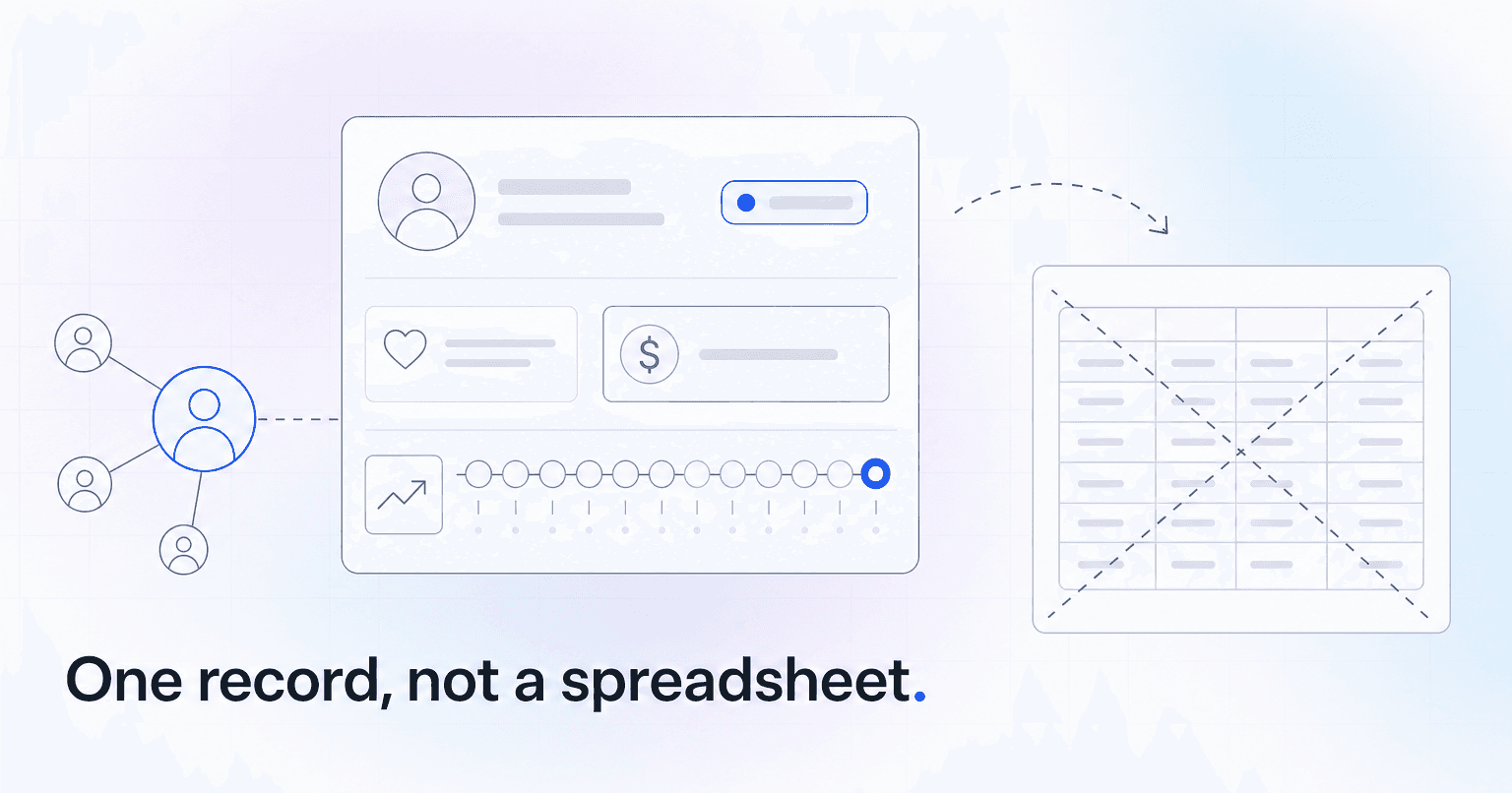
A benevolence fund policy should set six things in writing: who qualifies, a per-household cap, what you fund and never fund, who approves at what amount, what documentation you require, and where requests enter. Then pay the vendor instead of the person, and log each gift against the household in your church database, behind restricted access. The standalone benevolence spreadsheet fails for a simple reason: it is a second system nobody has a reason to open.
What your benevolence policy has to decide before the first request
A fund that runs on instinct creates the appearance of favoritism. Decide these with your board, in writing, while nobody is crying in your office:
- Who qualifies. Members only, regular attenders, or anyone in your zip code?
- The cap. A dollar limit per household per rolling twelve months (for illustration, $500). The number matters less than having one. Say whether an adult child in their own home counts as a separate household.
- What you fund. Rent, utilities, medical bills, car repair that protects someone's job, funeral costs. For groceries, buy a store grocery card and log it as a cash equivalent with the recipient's signature, or refer the family to a food pantry you trust.
- What you never fund. Cash, general-purpose gift cards, credit card balances, bail, business debt, legal fees, and a second request inside the same crisis with no change in circumstances.
- Who approves what. An example ladder: one pastor approves up to $250, two signatures above that, and the benevolence team for anything over $1,000.
- What documentation you require. A shutoff notice, an eviction filing, a mechanic's invoice. You are confirming the need and the amount, not investigating anyone.
- Where requests enter. One intake form, no matter who hears first. That includes financial needs that come in through prayer requests tracked from intake to closure.
Pay the vendor, not the person
One rule does more for the fund's integrity than any other: write the check to the landlord, the utility company, or the clinic, never to the person asking. It keeps the money aimed at the need and spares the family from justifying a cash amount.
Before you pay, confirm what is still owed. Many utilities and landlords discuss an account only with the holder's permission, so ask the family first and, ideally, call with them on the line.
A family facing a shutoff may ask more than one church the same week. Treat that as desperation, not fraud, unless you learn otherwise. The two-minute call keeps two churches from paying one bill.
The tax rules that shape a benevolence fund (US)
This is general information on US federal rules, not tax advice. Have a CPA who works with churches review your policy.
- Donors give to the fund, not to a family. IRS Publication 526 (the edition for 2025 returns) says contributions "earmarked for relief of a particular individual or family" aren't deductible, even when they pass through a church. A gift to the fund itself can be deductible, as long as the donor doesn't name the person.
- The church keeps control. IRS Publication 3833, written for disaster and emergency hardship relief, says a charity generally must have full control over how donated funds are used. If a member wants to help the family whose house burned down, explain that the gift goes to the fund, which may help that family and others like them. If the donor insists on one named family, it is a personal, nondeductible gift; ask your CPA how to handle it.
- Help for staff can be taxable pay. Under 26 U.S.C. § 102(c), amounts an employer transfers to an employee are not tax-free gifts, so benevolence for a church employee can be taxable pay that runs through payroll. The narrow exception is a qualified disaster relief payment under section 139 (for example, after a Presidentially declared disaster), which Publication 3833 says is not taxable even when an employer pays it. Ask your CPA before you approve either.
- Document the need. Publication 3833 says records should generally show what you gave, what it cost and why, your criteria, how the recipient was selected, their name, address, and amount, who sat on the approving committee, and any relationship between the recipient and the organization's officers, directors, key employees, or substantial contributors. Treat anyone with one of those relationships, family included, as an insider, and have someone unrelated approve their request.
Why the benevolence spreadsheet always stops being trusted
It lives on one person's drive, and that person leaves. The associate pastor hands out $150 from a discretionary envelope on a Thursday night and never logs it, because logging means finding the file and remembering the column order. Names get entered three ways: Bob Sanchez, Robert Sanchez, Sanchez family.
Nobody links a row to a person in Planning Center or Breeze, so nobody sees that the household got help in March. Because the sheet holds sensitive information, someone eventually locks it down, and it goes stale.
Six months in, nobody decides anything based on it. The fix is structural: a benevolence request should be a record attached to a household, visible to the people who handle intake, and updated when the check clears.
What to track, how to catch repeat requests, and who can see it
Every request needs the same small set of fields: date received, requester linked to the household record, category, amount requested, amount approved, payee, approving staff member, insider relationship yes or no (as defined above), documentation received yes or no, and a short factual note.
Notes should record facts, not diagnoses. "Eviction filing dated 9/2, landlord paid direct" is a record. "Struggles with money management" is a liability, the kind of line someone reads aloud in a meeting three years later.
To catch repeat requests, match on phone number and street address rather than name. Households share addresses, adult children ask separately from their parents, and the same man may be Bob in March and Robert in August. Address and phone catch most of these, and the household rule in your policy settles the rest. Have that household's twelve-month history on screen when the intake starts, not in an audit in February.
Then restrict who sees it. Benevolence records are hardship data: limit them to the benevolence lead, the approving pastors, and whoever cuts the check.
As of October 2026, Rock RMS has a benevolence module that lets you tie each request to a person record, and Planning Center People lets you limit a custom tab to chosen collaborators, so everyone else sees a hidden-content placeholder. If your system cannot restrict a field, keep the log in a separate access-controlled system keyed to the household's database ID. Our breakdown of what church member data privacy actually requires frames the rest of that access decision.
The follow-up that turns a check into ministry
The check covers the bill. The call a month later is where the care happens.
Set the follow-up at the moment of approval, with a named owner and a date on their calendar. Thirty days later, that person calls, and the call is about the family, not the fund:
"Hi Keisha, it's Tom from church. You've been on my mind since we talked last month. How are things at home?"
If the answer opens a door, offer a budgeting coach or an introduction to a member who is hiring.
A family in financial crisis can also quietly stop attending out of embarrassment. Let that shape the call, not your systems: keep benevolence records out of attendance reports, giving dashboards, and any engagement or AI tool your church uses. The follow-up owner already knows to call, and nobody else needs a flag on their screen.
What your board should see every month
Report five numbers: total disbursed, breakdown by category, households served, repeat rate (households helped more than once in twelve months), and fund balance remaining. Report counts, not names, with two exceptions. Requests from insiders (staff, board members, substantial contributors, and their families) go to an unrelated approver and are disclosed to the board or its finance committee. And where the deacon board is itself the benevolence team, it sees names by design.
Watch the repeat rate most closely. A rising one often means the fund is treating a symptom, and the answer is a referral partner or a financial coaching ministry, not a bigger fund. If, say, a quarter of your households come back, look at the program before the budget.
Show the balance including money carried over from prior years, which QuickBooks plus a ChMS often misses without extra work. The guide to building a church financial report your board can actually read shows where the benevolence balance sits in the designated-funds block.
Where to start this month
This week, pull every benevolence payment from the last twelve months out of your accounting system and match each one to a household. Ask each pastor to add any cash or discretionary help they gave that never went through accounting. That list shows your real spending, your real repeat rate, and whether your informal cap ever held.
Next, draft the one-page policy, have your CPA check it against the tax rules above, and take it to your board. Add one vendor question to it: before you connect any outside tool to your ChMS, ask which records it reads (including custom fields, custom tabs and notes), whether you can exclude the tab where benevolence lives, and who on your staff will see what comes across.
ChurchAI is not a benevolence tool. Its security page lists what it imports (attendance, giving, groups and serving, plus People and Households for Planning Center churches), says it works from a copy, and says your team decides who on staff sees what. Ask on the demo whether a restricted custom tab comes across, as you would with any vendor.
Common questions
- What is ChurchAI?
- ChurchAI is an AI-native church management platform built to help churches retain members, grow giving, and eliminate administrative busywork. Unlike legacy church software that stores data passively, ChurchAI acts as an intelligence layer that connects to your existing tools, analyzes engagement patterns, predicts churn, identifies emerging donors and volunteer leaders, and automates follow-up workflows.
- How is ChurchAI different from Planning Center or other church management software?
- Most church management software like Planning Center, Rock CHMS, or Subsplash are built for administration and reporting. They store data but don't act on it. ChurchAI is built for discipleship and growth. It uses AI to proactively surface insights, predict which members are at risk of leaving, identify first-time and emerging givers, recommend volunteer candidates, and trigger automated follow-up communications. ChurchAI integrates with your existing tools and serves as the command center that turns church data into action.
- Does ChurchAI replace my current church software?
- No. ChurchAI connects directly with your existing church tools including Planning Center, Rock CHMS, Subsplash, Mailchimp, Microsoft Fabric, Power BI, and others. It acts as the intelligence layer on top of your current tech stack, unifying data from scattered systems into one command center without requiring you to switch platforms.
- What problems does ChurchAI solve for churches?
- ChurchAI solves three core problems: (1) Member churn — it identifies disengaged members early through attendance and engagement pattern analysis, then triggers automated follow-up before people fall through the cracks. (2) Missed growth opportunities — it surfaces emerging donors, first-time givers, and potential volunteer leaders that pastors would otherwise miss. (3) Administrative overload — it automates follow-ups, people management, growth tracks, and reporting so church staff can focus on ministry instead of spreadsheets.
- What size churches does ChurchAI work for?
- ChurchAI works for churches of all sizes, from growing congregations to enterprise-level megachurches with multiple campuses and complex tech stacks. The platform scales to handle multi-campus operations with thousands of members, multiple data systems, and sophisticated reporting needs.
- Is ChurchAI an AI chatbot for churches?
- No. ChurchAI is not a chatbot or a simple Q&A tool. It is a full AI-native platform with intelligent agents that analyze church data, score member engagement, predict behavior patterns, automate workflows, and deliver actionable insights. Think of it as an AI-powered Executive Pastor that monitors church health 24/7 and proactively surfaces what needs attention.
- What AI technology does ChurchAI use?
- ChurchAI uses AI-native architecture including large language models, engagement scoring models, predictive analytics for churn and giving patterns, and automated workflow agents. The platform's domain expertise is encoded directly into its AI workflows, prompts, and scoring models, built by founders with over a decade of church leadership experience. This creates a data flywheel where the more churches use ChurchAI, the smarter its predictions and recommendations become.
- How do I get started with ChurchAI?
- Visit churchai.com to request a demo. The ChurchAI team will walk you through the platform, understand your current tech stack and church needs, and show how ChurchAI integrates with your existing tools to deliver immediate value.