· 8 min read
How to Reach Out to an Inactive Church Member: Who Calls, When, and What to Say
Who should reach out to an inactive church member, how soon, and what to say after three weeks, three months or a year, with scripts and what to log.
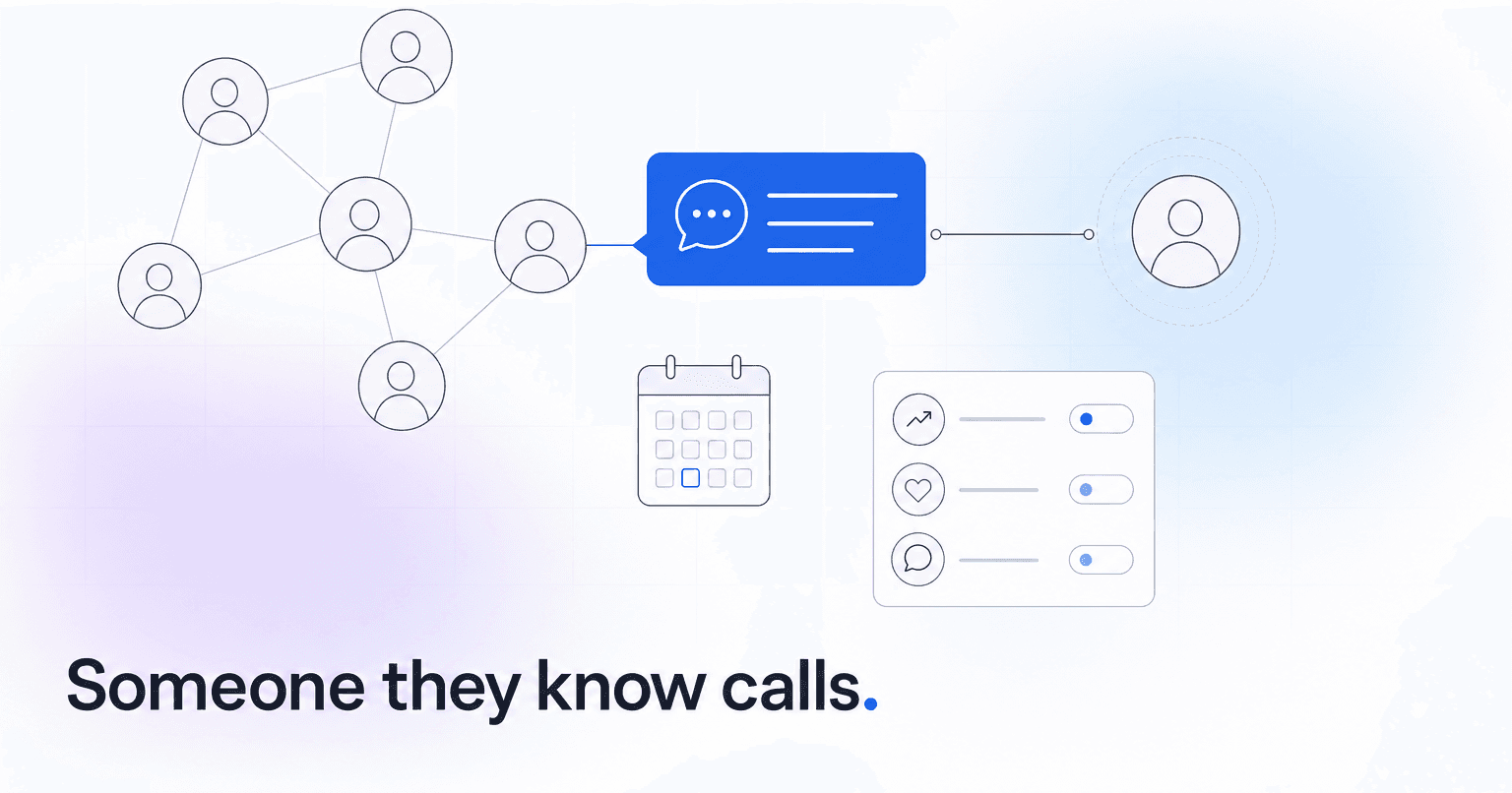
Reach out through one named person who already knows them, with one ordinary, personal contact within about 72 hours of the name reaching that person, and ask how they are doing rather than why they have been gone. That holds whether the name came up in a staff meeting or a church engagement score flagged the family as "at risk." The scripts below help, but the harder part is deciding, before the name ever appears, who owns it.
Who should reach out when someone is flagged at risk?
One person, by name, with a due date, chosen before the name shows up. "The care team" owns nothing, and a list sent to a shared inbox will sit there.
Pick the strongest existing relationship, not the right title: a small group leader who has eaten dinner with the Okafors outranks an associate pastor who has shaken their hand twice. Then build a fallback chain so every name reaches a human within a day: group leader, then ministry lead, then pastoral staff for anyone unconnected.
Route by situation, too:
- A newer family who never really connected: closer to guest follow-up than drift, so it goes to whoever runs connections.
- A long-tenured member who went quiet: their group leader, a longtime friend or a former teammate.
- Attendance and giving dropped in the same month: a pastor. That combination can point to a job loss, a health problem or strain at home.
- Grief, crisis or conflict you already know about: a visit from a pastor, never a text.
One owner also prevents the opposite failure: the Okafors hearing from their group leader, the children's director and the church office in the same week, and concluding, correctly, that they have become a project.
How soon should the first contact happen?
As a rule of thumb, within 72 hours of the name reaching its owner, and no later than two weeks after it first surfaces.
The point of a tool that flags when a member stops showing up is catching drift within weeks instead of months. Wait a month and the family has built a Sunday routine without you, and a settled habit is harder to change than an interrupted one. A clumsy text on Tuesday does more good than a beautifully written letter three weeks later.
If the list is longer than your team can personally contact in a week, tighten the threshold until they finish it.
What should you say, depending on how long they have been away?
Something specific, low-stakes and true. Time away changes the channel, and these tiers are rules of thumb:
- About three to six weeks: a short text from someone they know. "Hey Rob, thinking about you and Karen this week. How is her mom doing after the surgery?"
- About two to six months: a phone call from the same person, with a voicemail that owns the gap instead of pointing at theirs. "Hi Jen, it's Mike from the Tuesday group. I realized I haven't checked in with you since spring, and that's on me. No agenda. I'd just love to hear how you're doing."
- Six months or more: a handwritten note with no ask at all. "I've been grateful for the years you gave to kids ministry. No need to reply. I just wanted you to know you're missed and thought of." Only when you know they attend somewhere else now, add a blessing: "If you've found a church where you're growing, I'm glad for you. The door is always open."
Whatever the tier, a few rules hold:
- Never lead with the flag or the data behind it. "Our system noticed you were drifting" hands them a reason to leave. If someone asks how you noticed, answer plainly: "We try to keep track of who we haven't seen in a while, so nobody slips through the cracks."
- Never mention attendance or giving. "We noticed you have not attended recently" reads like a billing notice.
- Never lead with a volunteer ask. It confirms the suspicion that the church only wants something.
- Never make the first touch a group email to a segment called "At Risk Members."
If software drafts these, a person still edits and sends them under their own name. Our take on whether AI-assisted follow-up is too impersonal covers where that line sits.
What if they do not respond?
Change the channel, change the person, then stop. The day counts are rules of thumb:
- Three to six weeks away: a text on day one, a call from the same person around day five, then one touch from a different relationship around day fourteen, such as a friend from their serving team.
- Two to six months away: start with the call, then one touch from a different relationship about a week later.
- Six months or more: send the one note and do not chase it.
Silence after the last touch is an answer. Record the outcome and move the name from the weekly list to a quarterly review. A fourth and fifth message turns quiet drift into active avoidance. Leave the door open. Do not stand in it.
What if the conversation surfaces something real?
Some contacts do: a job loss, a diagnosis nobody else knows about, a marriage coming apart, a quiet grievance with a staff member or with a decision the elders made in March.
Hand off the same day, out loud, with permission. "Would it be okay if Pastor Ruth gave you a call this week?" is a real question, and the family gets to say no.
If what someone shares involves abuse, a child's safety or a risk of self-harm, set this playbook aside: the staffer follows the church's safeguarding and reporting policy that same day. If it is not written down yet, write it before anyone makes these calls.
Brace for the grievance case. When drift is a decision rather than a season, listen without defending anything. Explanations end the conversation, and you need that conversation more than you need to be right.
How do you ask someone why they stopped coming?
Only when they open the door, and only in person or by phone. A survey asks someone to file a complaint. A conversation asks them to be known. These questions do not put anyone on trial:
- "What was church like for you in that last year you were coming?"
- "Was there a point where it started to feel different?"
- "Is there anything we missed, or something someone should have noticed?"
Ask one, then mostly listen, and do not try to win them back in the same conversation. Before you hang up, ask what they want done with what they told you: "Is any of this something you'd want passed along, or should it stay with me?" Then honor the answer, especially if they have moved on. People remember how a church treated them on the way out.
What should you log, and what stays out of the notes?
Log the outcome, not the activity. "Texted" tells nobody anything. "Called. Dad's job moved to Saturdays. Trying the Thursday night service." is something the church can act on.
Your software may not learn from those notes, but your team will. A few months of recorded outcomes teaches them that a six-week July gap at a beach-town church usually means the beach, and the same gap in February deserves a call.
Keep the substance of hard conversations out of the general notes field. Log that a handoff happened and who owns it next; the details belong in a restricted note or nowhere. In Planning Center People, for example, managers can make any note category except General private and limit it to named people (Planning Center help, as of October 2026). Staff turn over, and a sentence typed in a hurry can outlive its author by a decade. Our breakdown of what church member data privacy actually requires covers who should see what.
Where to start this week
- Name an owner and a fallback chain for every name that surfaces, and write both down.
- Paste the three time-away scripts into a shared doc and rewrite them in your own voice.
- Choose one person you already know has gone quiet, and have their owner make one contact before Friday.
After six months, success looks boring: first contact inside 72 hours on most names, every name closed with a recorded outcome, nobody hearing from three people in one week.
If you want the noticing done from records you already keep, ChurchAI puts a short Monday list in front of whoever owns follow-up, with the reason beside each name, a drafted check-in your team edits and sends under their own name, and who on staff last reached out. Grief and crisis come through as someone to visit, never as a draft. If your staff already knows every family by name, you do not need it yet.
Common questions
- What is ChurchAI?
- ChurchAI is an AI-native church management platform built to help churches retain members, grow giving, and eliminate administrative busywork. Unlike legacy church software that stores data passively, ChurchAI acts as an intelligence layer that connects to your existing tools, analyzes engagement patterns, predicts churn, identifies emerging donors and volunteer leaders, and automates follow-up workflows.
- How is ChurchAI different from Planning Center or other church management software?
- Most church management software like Planning Center, Rock CHMS, or Subsplash are built for administration and reporting. They store data but don't act on it. ChurchAI is built for discipleship and growth. It uses AI to proactively surface insights, predict which members are at risk of leaving, identify first-time and emerging givers, recommend volunteer candidates, and trigger automated follow-up communications. ChurchAI integrates with your existing tools and serves as the command center that turns church data into action.
- Does ChurchAI replace my current church software?
- No. ChurchAI connects directly with your existing church tools including Planning Center, Rock CHMS, Subsplash, Mailchimp, Microsoft Fabric, Power BI, and others. It acts as the intelligence layer on top of your current tech stack, unifying data from scattered systems into one command center without requiring you to switch platforms.
- What problems does ChurchAI solve for churches?
- ChurchAI solves three core problems: (1) Member churn — it identifies disengaged members early through attendance and engagement pattern analysis, then triggers automated follow-up before people fall through the cracks. (2) Missed growth opportunities — it surfaces emerging donors, first-time givers, and potential volunteer leaders that pastors would otherwise miss. (3) Administrative overload — it automates follow-ups, people management, growth tracks, and reporting so church staff can focus on ministry instead of spreadsheets.
- What size churches does ChurchAI work for?
- ChurchAI works for churches of all sizes, from growing congregations to enterprise-level megachurches with multiple campuses and complex tech stacks. The platform scales to handle multi-campus operations with thousands of members, multiple data systems, and sophisticated reporting needs.
- Is ChurchAI an AI chatbot for churches?
- No. ChurchAI is not a chatbot or a simple Q&A tool. It is a full AI-native platform with intelligent agents that analyze church data, score member engagement, predict behavior patterns, automate workflows, and deliver actionable insights. Think of it as an AI-powered Executive Pastor that monitors church health 24/7 and proactively surfaces what needs attention.
- What AI technology does ChurchAI use?
- ChurchAI uses AI-native architecture including large language models, engagement scoring models, predictive analytics for churn and giving patterns, and automated workflow agents. The platform's domain expertise is encoded directly into its AI workflows, prompts, and scoring models, built by founders with over a decade of church leadership experience. This creates a data flywheel where the more churches use ChurchAI, the smarter its predictions and recommendations become.
- How do I get started with ChurchAI?
- Visit churchai.com to request a demo. The ChurchAI team will walk you through the platform, understand your current tech stack and church needs, and show how ChurchAI integrates with your existing tools to deliver immediate value.