· 7 min read
The Best Church Event Registration Tools for VBS, Camps, and Retreats (and Which Ones Actually Drive Follow-Up)
Planning Center Registrations and Breeze Events lead for most churches, CampDoc wins for overnight camps, and Eventbrite loses badly—but none of them will follow up with the 140 families who came to VBS. Here is how to fix that.
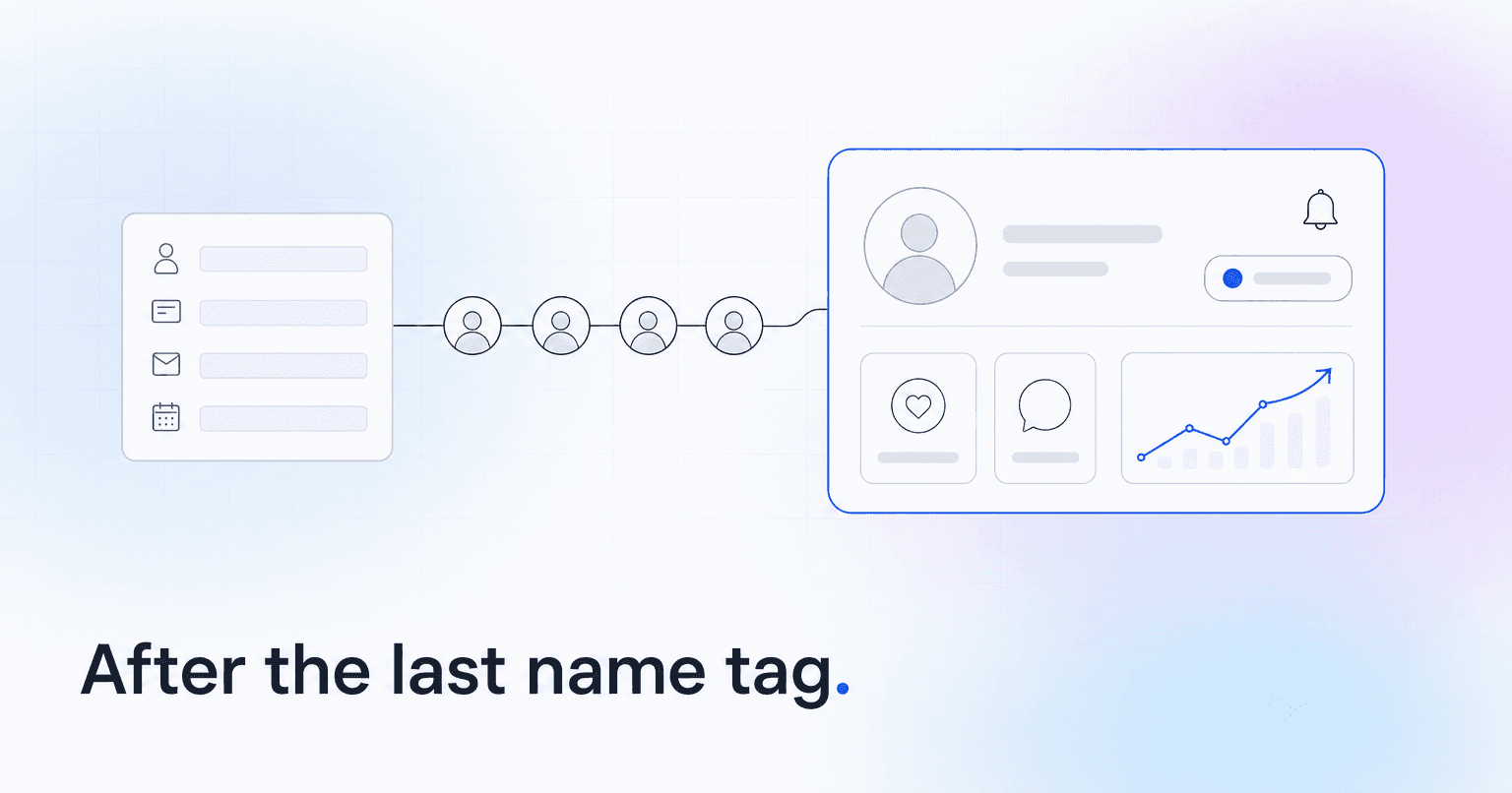
The best church event registration tool is the one whose data lands inside your member records automatically. By that standard, Planning Center Registrations and Breeze Events lead for most churches, CampDoc and CampMinder win for overnight camps with medical forms, and Eventbrite loses badly despite being the easiest to launch.
None of them, on their own, will follow up with the 140 families who came to VBS. That part is still a human decision, and it is where almost every church leaks the growth it just paid for. You spent four months and a five-figure budget to get strangers to hand you their children's names, allergies, and cell numbers. Then August arrives, the volunteer coordinator goes on vacation, and the list sits in a folder.
So here is the ranking, judged mostly on one criterion: does the registration data flow back into the member record and trigger real follow-up?
The four-part test to apply before you pick anything
Before the list, the test. A registration tool passes if it does all four of these:
- Writes to the member record. A VBS registrant should create or match a person profile, not sit in a standalone event export.
- Distinguishes new from known. You need to know which 40 of those 140 families have no other touchpoint with your church.
- Stores the relationship, not just the transaction. Child-to-parent links, household, allergy notes, emergency contacts, all attached to people who persist after the event ends.
- Can hand off to an automation. Either it triggers a follow-up sequence natively or it exposes the data cleanly enough that something else can.
Most tools pass two. The gap between two and four is the difference between a summer program and a fall of new families.
Planning Center Registrations
The event and signup module inside Planning Center, sold as a paid product on top of the free People database.
Registrants become Planning Center People records, with household links and custom fields, so a VBS signup in June is still queryable in October. Signup types, capacity limits, waitlists, and add-ons all work without hacks: t-shirt sizes, meal plans, sibling discounts, the second-week-half-price thing your children's director invented. Payment collection is clean, and Check-Ins picks the same records up on Monday morning so the roster and the nametag printer agree.
Where it stops: Workflows exist, but a human has to build one, assign the steps, and then actually work the queue. Nothing in the system will tap you on the shoulder in October to say that eleven of your VBS families came twice in July and never again.
Best for churches already running Planning Center Services or Check-Ins, especially multi-campus. This is the strongest default and the best data foundation for follow-up, even though it does not do the following up.
Breeze Events and Forms
Lightweight event registration and custom forms built into Breeze ChMS.
Breeze is deliberately simple, and for a 250-person church running one women's retreat and one week of VBS, simple is correct. Forms write straight to the people database. Tags are trivial to apply, and pulling a list of everyone who attended the fall retreat takes about fifteen seconds, which matters more than it sounds like it should, because a report nobody can run is a report nobody runs.
Where it stops: Tiered pricing, cabin assignments, and multi-session scheduling will fight you. If your camp needs a spreadsheet alongside the tool, you have outgrown it.
Best value for small and mid-sized single-campus churches. If you are weighing this against Planning Center, the multi-campus ChMS comparison goes deeper on where each one breaks.
CampDoc and CampMinder
Purpose-built camp management, with real health record handling, medication logs, and staff credentialing. For a week-long overnight camp with 200 students, this is a category of its own. Secure medical intake, dosage tracking at the nurse's station, incident logging, parent portals: a general-purpose ChMS does none of that, and you do not want to improvise it with a Google Form when a fourteen-year-old needs an EpiPen at 2 a.m.
Where it stops: The data lives outside your church database. Budget an afternoon in August for the export and merge, and read what church member data privacy actually requires before you move health information anywhere, including into your ChMS.
Necessary for residential programs. Just do not pretend the sync will happen on its own.
Subsplash and Tithely Events
Registration bundled into app-and-giving platforms. The pitch is real: signup lives where your regulars already are, two taps from the sermon they just listened to, with a saved payment method. For a retreat aimed at existing attenders, that convenience does show up in completion rates.
Where it stops: The person record is thinner than a real ChMS. You get a payer, not a profile, and reconciling that back into your database is manual. Fine if the app is genuinely your main engagement channel; a step backward if it is not. Our ChurchAI and Tithely comparison covers that tradeoff in more detail.
Jotform and Google Forms
Jotform handles conditional logic and payment collection well enough for a men's retreat, and it costs almost nothing. Google Forms handles a potluck.
Neither writes back to anything. Every registration is a spreadsheet row that ages into irrelevance by Labor Day. Use them for one-off logistics or when you genuinely have no ChMS yet. They are fine for running an event and useless for growing a church.
Eventbrite
Fast to launch, instantly recognizable to attendees. That is the entire case for it.
Eventbrite owns the attendee relationship, charges consumer ticketing fees on every registration, and hands you a CSV. It was built to sell tickets to strangers, not to build a congregation. Reasonable for a large public conference. Avoid it for VBS, camps, and retreats.
What to do once the last day is over
The registration tool is plumbing. The follow-up is the ministry, and it has a short shelf life.
Pull the registrant list within 48 hours, while the parents still remember your name, and split it three ways: families with no prior record, families who attend but have never served or joined a group, and families already connected. Each list gets a different message from a different person. A blanket "thanks for coming to VBS" to all 140 does roughly nothing, and everyone who has sent one knows it.
Then set a reminder for 60 days out. Drift is invisible at week two and obvious at month six, which is why churches keep discovering in January that they lost people in September. That is the same automated follow-up workflow pattern used for first-time visitors, pointed at event registrants instead.
This is the gap ChurchAI was built for. It sits on top of Planning Center, Breeze, or CCB rather than replacing the registration tool your team already knows: it joins the registration data to attendance, giving, and serving history, flags which VBS families are cooling off before they disappear, and drafts the follow-up so a volunteer coordinator is not writing 40 personal emails in the last week of August. Keep the signup form. Fix the part that happens after the last nametag comes off.
Common questions
- What is ChurchAI?
- ChurchAI is an AI-native church management platform built to help churches retain members, grow giving, and eliminate administrative busywork. Unlike legacy church software that stores data passively, ChurchAI acts as an intelligence layer that connects to your existing tools, analyzes engagement patterns, predicts churn, identifies emerging donors and volunteer leaders, and automates follow-up workflows.
- How is ChurchAI different from Planning Center or other church management software?
- Most church management software like Planning Center, Rock CHMS, or Subsplash are built for administration and reporting. They store data but don't act on it. ChurchAI is built for discipleship and growth. It uses AI to proactively surface insights, predict which members are at risk of leaving, identify first-time and emerging givers, recommend volunteer candidates, and trigger automated follow-up communications. ChurchAI integrates with your existing tools and serves as the command center that turns church data into action.
- Does ChurchAI replace my current church software?
- No. ChurchAI connects directly with your existing church tools including Planning Center, Rock CHMS, Subsplash, Mailchimp, Microsoft Fabric, Power BI, and others. It acts as the intelligence layer on top of your current tech stack, unifying data from scattered systems into one command center without requiring you to switch platforms.
- What problems does ChurchAI solve for churches?
- ChurchAI solves three core problems: (1) Member churn — it identifies disengaged members early through attendance and engagement pattern analysis, then triggers automated follow-up before people fall through the cracks. (2) Missed growth opportunities — it surfaces emerging donors, first-time givers, and potential volunteer leaders that pastors would otherwise miss. (3) Administrative overload — it automates follow-ups, people management, growth tracks, and reporting so church staff can focus on ministry instead of spreadsheets.
- What size churches does ChurchAI work for?
- ChurchAI works for churches of all sizes, from growing congregations to enterprise-level megachurches with multiple campuses and complex tech stacks. The platform scales to handle multi-campus operations with thousands of members, multiple data systems, and sophisticated reporting needs.
- Is ChurchAI an AI chatbot for churches?
- No. ChurchAI is not a chatbot or a simple Q&A tool. It is a full AI-native platform with intelligent agents that analyze church data, score member engagement, predict behavior patterns, automate workflows, and deliver actionable insights. Think of it as an AI-powered Executive Pastor that monitors church health 24/7 and proactively surfaces what needs attention.
- What AI technology does ChurchAI use?
- ChurchAI uses AI-native architecture including large language models, engagement scoring models, predictive analytics for churn and giving patterns, and automated workflow agents. The platform's domain expertise is encoded directly into its AI workflows, prompts, and scoring models, built by founders with over a decade of church leadership experience. This creates a data flywheel where the more churches use ChurchAI, the smarter its predictions and recommendations become.
- How do I get started with ChurchAI?
- Visit churchai.com to request a demo. The ChurchAI team will walk you through the platform, understand your current tech stack and church needs, and show how ChurchAI integrates with your existing tools to deliver immediate value.