· 9 min read
Why Church Small Groups Don't Work (and How to Tell When One Is Quietly Dying)
Small groups rarely end loudly. Three signs show one is dying: a shrinking core, a quiet leader and no new names. What to do when a group trips two.
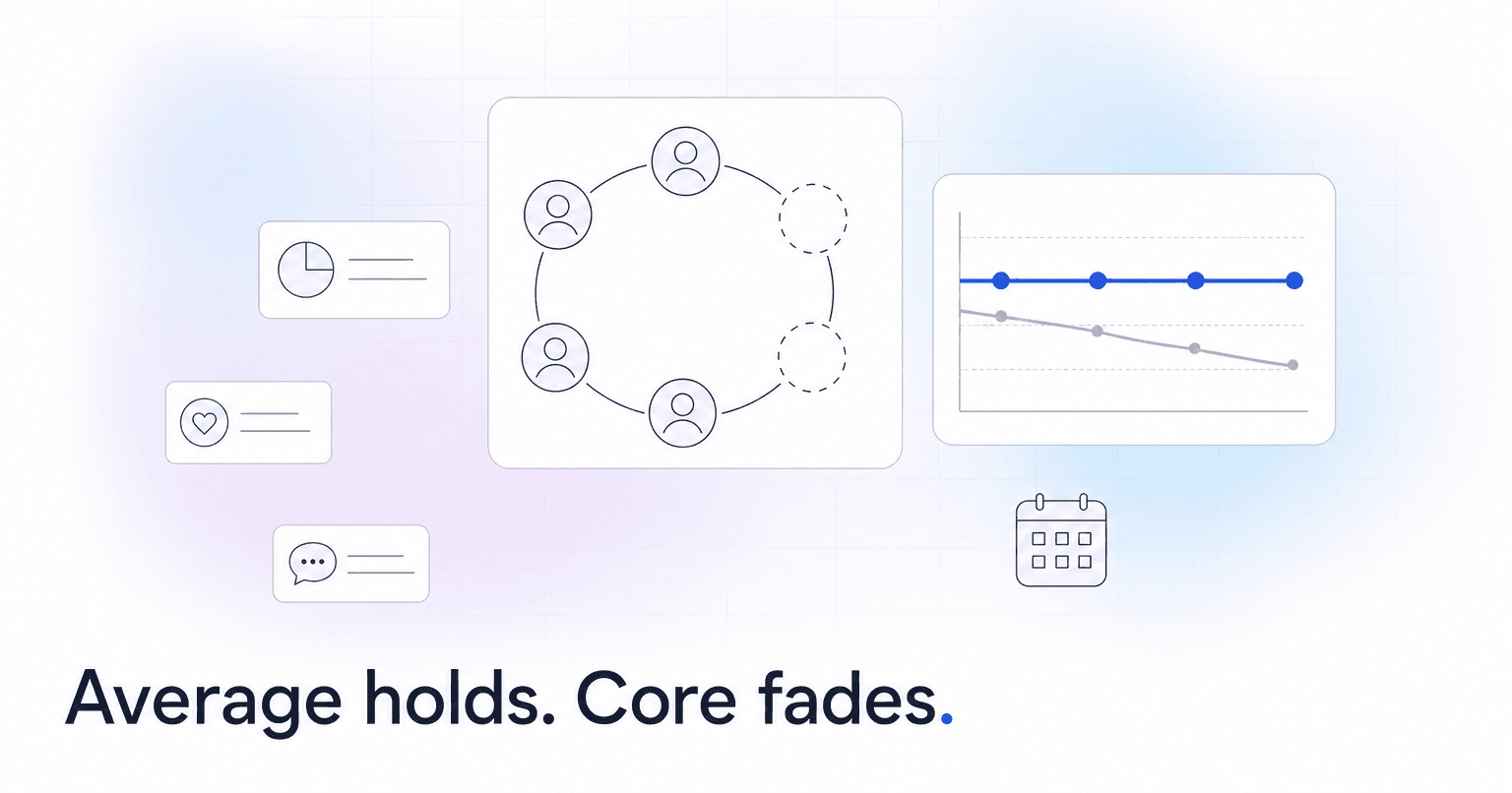
Most church small groups that stop working fade out over several weeks, for ordinary reasons: a meeting night that no longer fits, a tired leader, a worn-out host, a conflict nobody names, a circle closed to new people. You can usually tell a group is dying before it folds, because three signs show up first: the core of regulars shrinks while the average holds, the leader goes quiet, and nobody new joins for ten or twelve meetings. Two sit in attendance data you may already keep; the third takes a five-minute weekly log.
Why small groups quietly die
Nobody quits loudly. A meeting moves for a soccer tournament, then moves again, the group text goes quiet, and everyone silently agrees it is over. Staff often find out months later.
Underneath that drift, the same causes repeat:
- Schedule collisions. A new work shift or a kid's practice night breaks the meeting for two or three people, and nobody asks to move it.
- Leader fatigue. One person preps, hosts, sends reminders and carries every prayer need. In Lifeway Research's 2024 State of Groups survey, 36% of churches said they provide no training for small group leaders.
- Host burnout. The same living room every week wears out faster than anyone admits.
- Conflict. Two members clash, or one person dominates every discussion, and the others stop coming rather than say why.
- A closed circle. Long-running groups get hard to join, so people who move away rarely get replaced.
- No apprentice. Without a second leader, any change in the leader's life becomes the group's end date.
Why health surveys and coaching calls miss it
Most churches lean on two reasonable habits. Neither gives early warning.
The leader health survey. The leaders who skip it are often the ones with the most to report, so it mostly measures groups that were already fine.
The coaching check-in. The leader says "we're good," because admitting a struggling group can feel like admitting personal failure.
Both depend on what a discouraged leader chooses to volunteer. Watch what leaders produce without being asked, starting with attendance by name. Plenty of churches lack even that: in the same Lifeway survey of 1,021 U.S. Protestant and non-denominational groups ministry leaders, only 53% said they track attendance in their adult groups.
Sign 1: the core shrinks while the average holds
An average headcount can sit steady for months while the people underneath it change.
Track core attendance instead: the number of people who attended at least three of the last four meetings. Count meetings, not weeks, so it works for a group that meets every other week. Three of four is a rule of thumb, like every threshold in this post. It judges each group against its own recent normal, the same logic behind flagging a member who stops showing up; our look at how predictive analytics works in church software covers the deeper version.
For illustration: a group averages eight people all fall. In September, seven of the eight are regulars. By November only four are, and drop-ins fill the other seats. The average says the group is fine. The core says it is coming apart.
In a spreadsheet, put names in column A and the four most recent meetings in columns B through E, marked 1 or 0. Put =SUM(B2:E2)>=3 in F2 and fill it down to flag each regular. Then put =COUNTIF(F2:F50,TRUE) in a cell outside column F, such as H1, to get the group's core (inside column F it would be a circular reference). Each week, type the newest meeting over the oldest of the four columns. Inserting a new column instead stretches the formula to five meetings.
On Planning Center Groups, the single-group attendance report shows a check mark per member per event (as of October 2026), so you can read the core off the last four columns. The multi-group report shows group-level figures like average attendance, the view that hides a shrinking core.
A core that drops by two or more people in a month counts as a tripped sign.
Sign 2: the leader goes quiet
Groups run on the leader's energy, so a leader pulling back is often the first thing to change:
- Slower replies. Staff texts that used to get a same-day answer now take days, or get none.
- Missed huddles. The leader skips a training night or leader gathering they used to attend.
- Unsubmitted attendance. A leader who reported every week stops for two or three weeks running.
Your ChMS records attendance but not how fast a leader answers you, so keep a manual log: one row per leader with your last outreach, their reply date, the last huddle they made, and whether attendance came in.
One caution: if attendance goes unsubmitted across many groups, that is a system problem. Fix it first with the steps for getting small group leaders to take attendance every week, or this sign will fire for everyone and mean nothing.
Sign 3: no new names in 10 to 12 meetings
A group that has not added anyone in a season has stopped being a front door. Closed circles stay stable for a while, then age out as people move or change life stages.
It is common. In Lifeway's survey, 89% of leaders said most participants had been in the same group for at least two years, and only 34% had started new ongoing adult groups in the first half of 2024.
Check each roster for first-time attenders in the last 10 to 12 meetings. Zero counts as a tripped sign. Count meetings, not calendar days, to match Sign 1: about 1 in 5 leaders in the same survey (19%) said their groups take summers off, and a 90-day window would flag every one of those groups in September. Leave out groups closed by design, such as a recovery group or a closed study.
On Planning Center Groups, the single-group Overview report already shows how often the group met and the share of people who joined in the last 90 days (as of October 2026): a zero-effort check, once you allow for groups that paused.
A softer fourth sign is host fatigue: the same home every week, with the same person setting up and cleaning up. It rarely shows in data, so ask about it on the call.
When a group trips two signs, call the leader within five days
One sign is often noise. Two is enough to act. Run the same playbook every time:
- Call the leader, not the group. The leader usually knows whether the trouble is logistics, energy or a person.
- Ask one question. "What's the hardest part of leading this group right now?" Leaders tend to answer "How's the group doing?" with "fine." They are far more likely to answer this one honestly.
- If the answer is logistics, offer three concrete fixes, not encouragement. Add a co-leader. Rotate the host home. Change the meeting night, because the real cause is often a schedule change nobody wanted to raise.
- If the answer is a person or a conflict, it becomes pastoral care. That is a conversation for a pastor or elder, not a scheduling fix, and the leader should not carry it alone.
- Set a follow-up date. In two or three weeks, look at the core again together.
A simple opener: "Hey Kevin, no agenda, I just wanted to check in on you. What's the hardest part of leading your group right now?"
These calls also surface people. The member quietly holding a group together is often your next co-leader. Write the name down and use the approach for recruiting future leaders without asking from the stage.
Revive, merge or close
Not every flagged group should be saved. Choose one outcome and say it out loud with the leader.
- Revive when the leader still wants to lead and the problem is logistics: the night, the host, the missing co-leader.
- Merge when two groups have both lost their core and share a night or a life stage. Two groups of four can become one group of eight with momentum. Keep the second leader as co-leader.
- Close when the leader is done and nobody is ready to step in.
A deliberate close is a good outcome. Hold a final gathering, thank the leader in front of the group, and place every member personally: someone calls each person, suggests a specific group, and introduces them to its leader. Nobody should drift out of community because their group ended.
Some groups will still end with no warning, like a leader who moves for a job or a host home that sells mid-semester. No tracker catches those, and pretending one does is how staff learn to ignore it.
Where to start this month
Build a group-health tracker this week, even as a shared spreadsheet:
- One row per group with leader, host, meeting night and launch date.
- Core attendance for this month and last.
- The leader contact log from Sign 2.
- New names in the last 10 to 12 meetings.
- Signs tripped (0 to 3), with an owner and a call-by date for any group at two.
Then name one person, usually the small groups pastor, to review it every Monday and make the calls within five days. A flag nobody calls is just a more precise way of watching a group die.
The tracker watches groups, not the people drifting inside them. If your church runs on Planning Center, Breeze, Church Community Builder or Subsplash and is too big for one person to know everybody, ChurchAI watches the people: it notices when someone leaves a small group or steps off a serving team, often weeks before missed Sundays show it, and puts them on a Monday list with the reason beside the name and a drafted check-in your team approves. It does not score whole groups, so the tracker stays yours.
Common questions
- What is ChurchAI?
- ChurchAI is an AI-native church management platform built to help churches retain members, grow giving, and eliminate administrative busywork. Unlike legacy church software that stores data passively, ChurchAI acts as an intelligence layer that connects to your existing tools, analyzes engagement patterns, predicts churn, identifies emerging donors and volunteer leaders, and automates follow-up workflows.
- How is ChurchAI different from Planning Center or other church management software?
- Most church management software like Planning Center, Rock CHMS, or Subsplash are built for administration and reporting. They store data but don't act on it. ChurchAI is built for discipleship and growth. It uses AI to proactively surface insights, predict which members are at risk of leaving, identify first-time and emerging givers, recommend volunteer candidates, and trigger automated follow-up communications. ChurchAI integrates with your existing tools and serves as the command center that turns church data into action.
- Does ChurchAI replace my current church software?
- No. ChurchAI connects directly with your existing church tools including Planning Center, Rock CHMS, Subsplash, Mailchimp, Microsoft Fabric, Power BI, and others. It acts as the intelligence layer on top of your current tech stack, unifying data from scattered systems into one command center without requiring you to switch platforms.
- What problems does ChurchAI solve for churches?
- ChurchAI solves three core problems: (1) Member churn — it identifies disengaged members early through attendance and engagement pattern analysis, then triggers automated follow-up before people fall through the cracks. (2) Missed growth opportunities — it surfaces emerging donors, first-time givers, and potential volunteer leaders that pastors would otherwise miss. (3) Administrative overload — it automates follow-ups, people management, growth tracks, and reporting so church staff can focus on ministry instead of spreadsheets.
- What size churches does ChurchAI work for?
- ChurchAI works for churches of all sizes, from growing congregations to enterprise-level megachurches with multiple campuses and complex tech stacks. The platform scales to handle multi-campus operations with thousands of members, multiple data systems, and sophisticated reporting needs.
- Is ChurchAI an AI chatbot for churches?
- No. ChurchAI is not a chatbot or a simple Q&A tool. It is a full AI-native platform with intelligent agents that analyze church data, score member engagement, predict behavior patterns, automate workflows, and deliver actionable insights. Think of it as an AI-powered Executive Pastor that monitors church health 24/7 and proactively surfaces what needs attention.
- What AI technology does ChurchAI use?
- ChurchAI uses AI-native architecture including large language models, engagement scoring models, predictive analytics for churn and giving patterns, and automated workflow agents. The platform's domain expertise is encoded directly into its AI workflows, prompts, and scoring models, built by founders with over a decade of church leadership experience. This creates a data flywheel where the more churches use ChurchAI, the smarter its predictions and recommendations become.
- How do I get started with ChurchAI?
- Visit churchai.com to request a demo. The ChurchAI team will walk you through the platform, understand your current tech stack and church needs, and show how ChurchAI integrates with your existing tools to deliver immediate value.