· 7 min read
The Best Tools for Managing Church Prayer Requests and Pastoral Care Follow-Up in 2026
The best tool for managing church prayer requests is whichever one turns a request into an assigned task with a due date and a visible owner — here's what actually closes the loop.
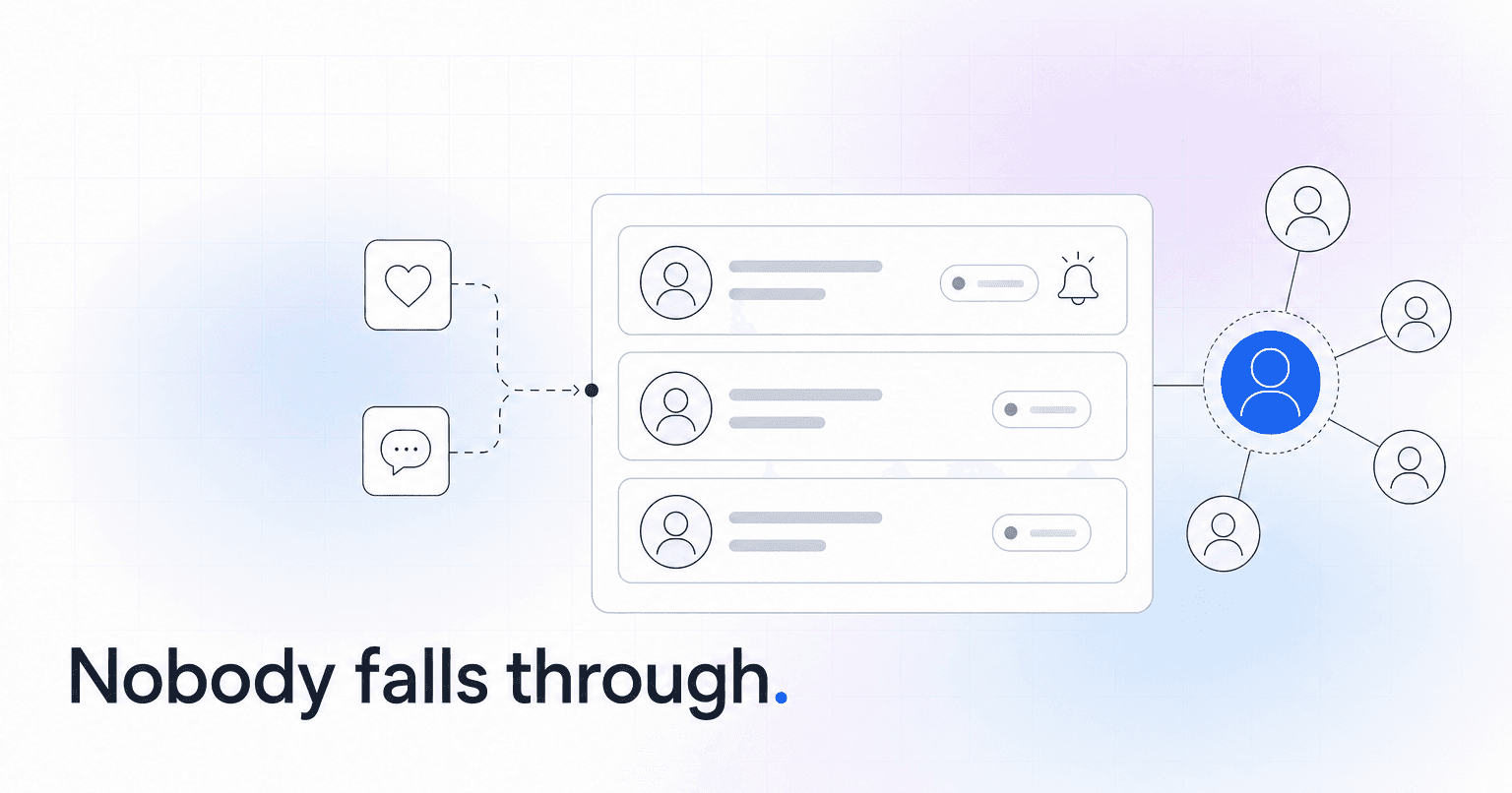
The best tool for managing church prayer requests is whichever one turns a request into an assigned task with a due date and a visible owner. That single requirement eliminates most of what churches currently use. A prayer card box, a shared inbox, and a pastor's memory all capture requests fine. None of them can tell you on Thursday that the Tuesday hospital visit never happened.
Below are the tools that actually close that loop, what each is good at, and who should pick it. First, the bar they have to clear, and a five-minute test to see whether your current setup clears it.
What a real pastoral care system has to do
Four functions separate a care system from a list.
- Capture from every channel. Web form, text message, connection card, staff entering a hallway conversation, a small group leader's Sunday night report. If capture is hard, care goes unrecorded.
- Assign an owner and a deadline. "Someone should call Marcy" is not a system. "Pastor Dan calls Marcy by Wednesday" is.
- Escalate on silence. The failure mode is almost never refusal. It is drift. A task with no reminder attached becomes a task nobody did, and nobody notices for six weeks.
- Restrict who can read what. A hospitalization, a marriage crisis, and a mental health disclosure do not belong in a database every volunteer can search. Access control is a pastoral obligation before it is a compliance one. Our breakdown of what church member data privacy actually requires covers how to build sensitivity tiers without turning care into paperwork.
The five-minute audit
Before you shop, pull every prayer request and care need your church received in the last 30 days, wherever they live: the inbox, the card box, the group text, the notebook. For each one, answer two questions. Does a specific human name sit next to it? Is there a date by which something was supposed to happen?
Most churches that run this discover two things at once. The requests are being captured well and closed badly, and the share carrying both a name and a date is close to zero. If that is your result, your problem is not capture. Buying another intake form will not help you.
Planning Center People (Workflows)
What it is: The workflow engine inside Planning Center People, built to move a person through defined steps with assigned staff and automatic reminders when a step goes stale.
Who it is for: Churches already standardized on Planning Center that want care to live where membership data already lives. Build a Hospital Visit workflow, a Crisis Follow-Up workflow, and a Grief Care workflow with steps at 30, 90, and 365 days, because the six-month mark is when the casseroles stop and almost nobody calls.
Verdict: The strongest care tool most churches already own and never switched on. The limitation is real, though: Workflows only act on requests somebody remembers to enter. If your staff still triages care in a group text, the engine sits idle. For how it stacks up on engagement more broadly, see our ChurchAI vs Planning Center comparison.
Breeze ChMS (Follow-Ups and Tags)
What it is: A lightweight ChMS with a straightforward follow-up feature and a tagging system flexible enough to run a care list.
Who it is for: Congregations under roughly 500 where one person coordinates care and complexity is the enemy. Breeze does not require a systems thinker to administer, which matters when your care coordinator is a part-time hire or a volunteer.
Verdict: The right pick when adoption matters more than depth. A simple tool people actually update beats a powerful one they abandon in March. If you are weighing platforms across multiple campuses, our Breeze vs Planning Center comparison goes deeper.
Rock RMS
What it is: Free, open-source church management software with a genuine care module: connection requests, prayer requests with approval queues, and multi-step programs.
Who it is for: Multi-site churches with a technical staff member or a willing implementation partner. Rock will let you route a request by campus, by category, and by staff availability, and it will let you build escalation rules nobody else offers at this price.
Verdict: The most capable care tooling available at zero license cost, and the most expensive in staff hours. The license is free. The implementation is not. Do not choose Rock without naming the person who owns it, and do not name someone who already has a full job.
Clearstream and Text In Church
Church SMS platforms with keyword capture. A member texts PRAY to your number and lands in a list a staff member works through. Text-in prayer requests tend to outperform web forms for one unglamorous reason: they take eleven seconds during a service, and a web form takes finding a laptop.
Verdict: Excellent capture, thin follow-through. Neither is a care system, and both get sold as one. Pair SMS with a ChMS that holds the task, or requests pile up in a messaging inbox nobody audits. If email is where your announcements go to die, our roundup of communication tools for members who rarely open email is worth a read.
Subsplash and Tithe.ly prayer walls
A prayer wall inside your church app, where members post requests and others respond. Useful, and frequently mistaken for infrastructure.
Verdict: Great for community, poor for accountability. A prayer wall is a bulletin board. Twelve people can pray for a post and no one visits the hospital. Treat it as a capture source feeding your real queue, never as the queue itself.
ChurchAI
An AI-powered church management and engagement platform that automates follow-up and, more usefully, surfaces the people who need pastoral attention before anyone submits a request.
That second part is the reason it belongs on this list. Every other tool here assumes a request exists. The member who stopped coming after a diagnosis does not fill out a card. Neither does the family quietly separating, or the young adult who drifted out over four months. ChurchAI reads engagement signals across attendance patterns, giving changes, group participation, and communication response, flags the drop early, and routes follow-up to the right staff member with a name and a date attached. It layers on top of Planning Center, Breeze, and CCB rather than replacing them, which means you do not have to trade a working ChMS for better detection.
Verdict: The right layer when your care problem is detection, not tracking. If you want the mechanics, see how automated follow-up workflows get structured and what a church engagement score is actually measuring.
How to choose
Run the 30-day audit first. Then:
Requests reaching you and getting dropped? Planning Center Workflows or Breeze Follow-Ups, and you are probably done shopping. Technical capacity plus multi-campus routing? Rock RMS. Add SMS capture regardless of what else you pick, because it is inexpensive and it reaches the members who will never fill out a form. Add a predictive layer when you suspect the people in the worst shape are the ones going quiet.
One rule sits underneath all of it. A care request without a named owner and a date is a wish. Enforce that in whatever tool you buy and the cracks close on their own. Skip it and the best software in this list becomes a very expensive prayer card box.
If you want to see what early detection does to the shape of a care team's week, take a look at ChurchAI.
Common questions
- What is ChurchAI?
- ChurchAI is an AI-native church management platform built to help churches retain members, grow giving, and eliminate administrative busywork. Unlike legacy church software that stores data passively, ChurchAI acts as an intelligence layer that connects to your existing tools, analyzes engagement patterns, predicts churn, identifies emerging donors and volunteer leaders, and automates follow-up workflows.
- How is ChurchAI different from Planning Center or other church management software?
- Most church management software like Planning Center, Rock CHMS, or Subsplash are built for administration and reporting. They store data but don't act on it. ChurchAI is built for discipleship and growth. It uses AI to proactively surface insights, predict which members are at risk of leaving, identify first-time and emerging givers, recommend volunteer candidates, and trigger automated follow-up communications. ChurchAI integrates with your existing tools and serves as the command center that turns church data into action.
- Does ChurchAI replace my current church software?
- No. ChurchAI connects directly with your existing church tools including Planning Center, Rock CHMS, Subsplash, Mailchimp, Microsoft Fabric, Power BI, and others. It acts as the intelligence layer on top of your current tech stack, unifying data from scattered systems into one command center without requiring you to switch platforms.
- What problems does ChurchAI solve for churches?
- ChurchAI solves three core problems: (1) Member churn — it identifies disengaged members early through attendance and engagement pattern analysis, then triggers automated follow-up before people fall through the cracks. (2) Missed growth opportunities — it surfaces emerging donors, first-time givers, and potential volunteer leaders that pastors would otherwise miss. (3) Administrative overload — it automates follow-ups, people management, growth tracks, and reporting so church staff can focus on ministry instead of spreadsheets.
- What size churches does ChurchAI work for?
- ChurchAI works for churches of all sizes, from growing congregations to enterprise-level megachurches with multiple campuses and complex tech stacks. The platform scales to handle multi-campus operations with thousands of members, multiple data systems, and sophisticated reporting needs.
- Is ChurchAI an AI chatbot for churches?
- No. ChurchAI is not a chatbot or a simple Q&A tool. It is a full AI-native platform with intelligent agents that analyze church data, score member engagement, predict behavior patterns, automate workflows, and deliver actionable insights. Think of it as an AI-powered Executive Pastor that monitors church health 24/7 and proactively surfaces what needs attention.
- What AI technology does ChurchAI use?
- ChurchAI uses AI-native architecture including large language models, engagement scoring models, predictive analytics for churn and giving patterns, and automated workflow agents. The platform's domain expertise is encoded directly into its AI workflows, prompts, and scoring models, built by founders with over a decade of church leadership experience. This creates a data flywheel where the more churches use ChurchAI, the smarter its predictions and recommendations become.
- How do I get started with ChurchAI?
- Visit churchai.com to request a demo. The ChurchAI team will walk you through the platform, understand your current tech stack and church needs, and show how ChurchAI integrates with your existing tools to deliver immediate value.