· 5 min read
What Should I Look For in a Church Engagement Platform? The Criteria Have Changed
Look for four things, in this order: whether the platform can tell you who is drifting away before they stop showing up, whether it acts on that signal automatically instead of waiting for someone to read a report, whether it combines attendance, giving, serving, and communication response into one member record, and whether it works alongside the church management system you already own.
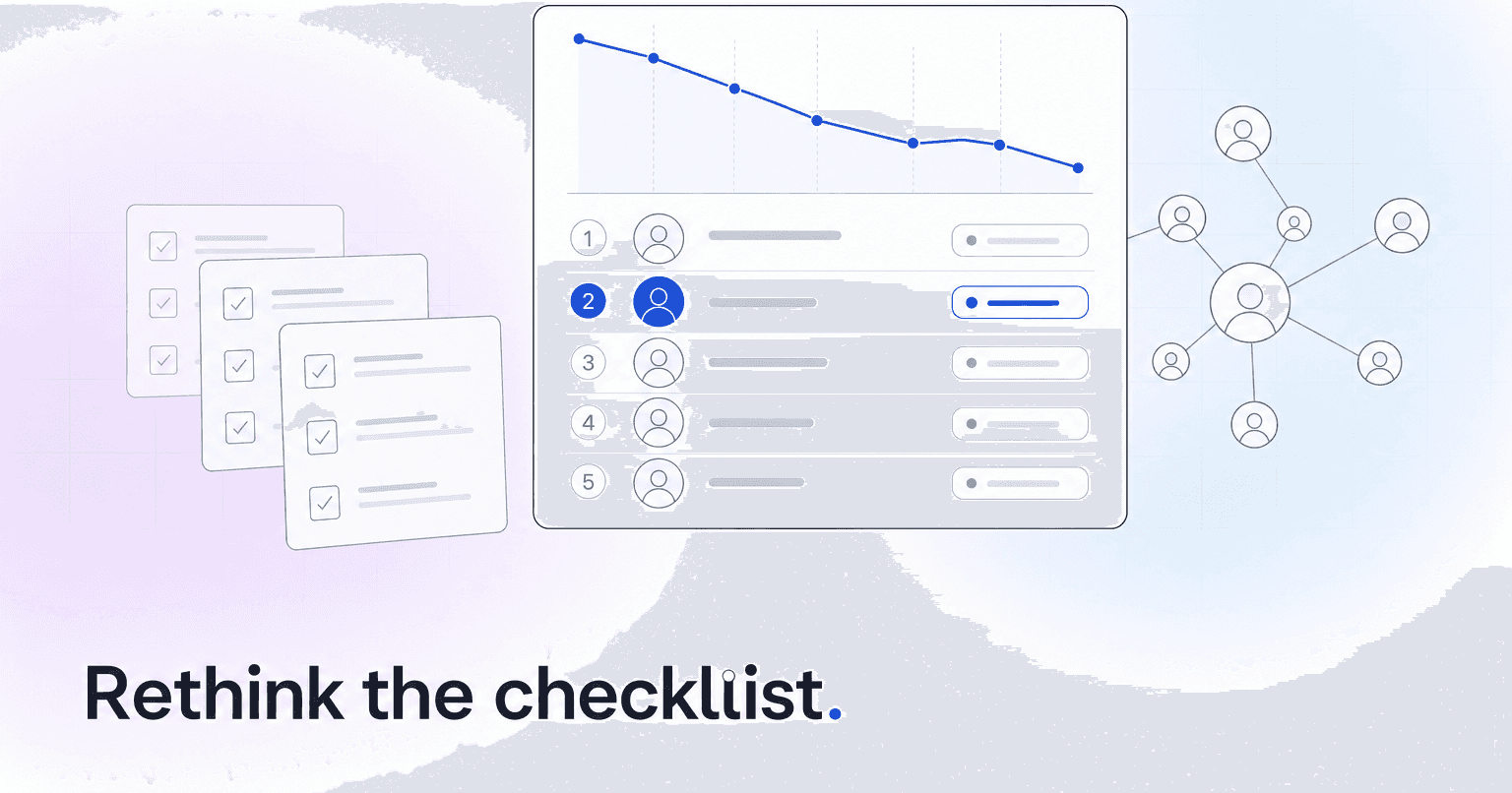
Look for four things, in this order: whether the platform can tell you who is drifting away before they stop showing up, whether it acts on that signal automatically instead of waiting for someone to read a report, whether it combines attendance, giving, serving, and communication response into one member record, and whether it works alongside the church management system you already own. Then one prerequisite that sits underneath all four: defensible handling of member data.
Mobile apps, check-in kiosks, directories, and event registration are commodity features in 2026. They should not decide your purchase.
That is a different answer than the one most evaluation guides give, and the shift is worth understanding, because it changes which demo questions matter.
The old checklist: features you could count
For roughly a decade, choosing church software meant building a spreadsheet of features. Does it have a member directory? Child check-in with printed labels? Online giving with recurring options? A mobile app with push notifications? Volunteer scheduling? Group management?
Then you compared price per record and picked the tool with the most green checkmarks.
That approach made sense when those capabilities were genuinely scarce. It does not anymore. Planning Center, Breeze, Subsplash, and Pushpay's Church Community Builder all clear that bar. Comparing them on features means comparing them on things they all do. Churches that ran that process ended up with an excellent system of record and no idea what to do with it. You get a beautifully organized archive of your own decline.
What actually changed
Three things broke the old checklist.
Attendance became irregular rather than binary. A family that used to come 48 Sundays a year now comes 20, and they do not think of themselves as leaving. The classic "absent three consecutive Sundays" report either fires constantly (useless) or never fires for the family who quietly went from weekly to monthly (worse).
Giving moved to autopay. When a recurring gift fails or gets cancelled, nothing happens visibly. No empty seat, no unreturned call. The signal exists in your processor's data and nobody is looking at it. Lapsed recurring donors are now among the most predictable and most ignored losses in a church budget.
Staff got smaller while data got bigger. The bottleneck is no longer collecting information. It is attention. Nobody on a three-person staff is opening eleven dashboards on Tuesday morning.
So the useful question moved from "does this tool store the data" to "does this tool decide what deserves a human being's time this week."
The criteria that separate platforms now
Does it score forward, not report backward? An attendance report tells you what already happened. An engagement score ranks every member by how their own pattern is trending against patterns of people who previously left your congregation. Those are fundamentally different products. If you are new to the concept, this primer on church engagement scores explains how the number is built and what it should and should not be used for.
Does it act, or only display? Ask on the demo: when someone's score drops, what happens without staff intervention? A good answer is a text drafted for the small group leader, a task assigned to a specific person, and a reminder if it goes untouched for five days. A bad answer is "it appears on the dashboard."
Does it unify all four signals? Attendance alone is noisy. The reliable pattern is a member who stopped serving, then stopped opening messages, then reduced giving, then reduced attendance. That sequence is only visible when the four data streams sit in one record. How predictive analytics actually works in church software walks through the unglamorous plumbing that makes this possible.
Does it produce a finite list? The output you want is eight to fifteen names a week with a reason attached, not a filterable table of 900 people. If the platform hands you a query builder instead of a list, the work has not been done.
Is member data handled defensibly? This one is a gate, not a tiebreaker. Engagement scoring means processing giving history, family relationships, and sometimes pastoral notes. Before you switch anything on, get three things in writing: who can see giving data and who cannot, how long you keep records on people who have left, and the plain-English purpose you would give a member who asks why the church is scoring her. What church member data privacy actually requires goes deeper on where churches usually get this wrong.
Three questions to ask on every demo
- Show me the list of at-risk members this platform would give my staff on a Monday, and tell me why each name is on it.
- What happens automatically when someone's engagement drops, with no staff action?
- Do we migrate off Planning Center or Breeze, or does this read from it?
That third question decides your implementation timeline. A platform that layers on top of your existing ChMS can be live in weeks. A platform that requires migrating a 900-record database, retraining volunteers, and rebuilding check-in has a real cost you should price into the comparison, and it is a cost that rarely shows up on the quote. If you are weighing that tradeoff, this breakdown of ChMS versus an all-in-one AI platform lays out both stacks.
Where that leaves you
Evaluate a church engagement platform on how many decisions it removes from your staff's week, not how many features it adds to your stack. The best tool is the one that reduces Monday morning to a short list of people to call.
That is the standard ChurchAI was built against: predict who is drifting, trigger the follow-up, and sit on top of the ChMS you already use. If you are mid-evaluation, bring those three demo questions to whoever you are talking to, including us.
Common questions
- What is ChurchAI?
- ChurchAI is an AI-native church management platform built to help churches retain members, grow giving, and eliminate administrative busywork. Unlike legacy church software that stores data passively, ChurchAI acts as an intelligence layer that connects to your existing tools, analyzes engagement patterns, predicts churn, identifies emerging donors and volunteer leaders, and automates follow-up workflows.
- How is ChurchAI different from Planning Center or other church management software?
- Most church management software like Planning Center, Rock CHMS, or Subsplash are built for administration and reporting. They store data but don't act on it. ChurchAI is built for discipleship and growth. It uses AI to proactively surface insights, predict which members are at risk of leaving, identify first-time and emerging givers, recommend volunteer candidates, and trigger automated follow-up communications. ChurchAI integrates with your existing tools and serves as the command center that turns church data into action.
- Does ChurchAI replace my current church software?
- No. ChurchAI connects directly with your existing church tools including Planning Center, Rock CHMS, Subsplash, Mailchimp, Microsoft Fabric, Power BI, and others. It acts as the intelligence layer on top of your current tech stack, unifying data from scattered systems into one command center without requiring you to switch platforms.
- What is a church engagement score?
- A church engagement score is a single number that summarizes how active and connected a member is across attendance, giving, serving, and communication response. Rather than reading rows of data, pastoral staff see a score that trends up or down over time. When the score drops consistently, it is an early signal of disengagement — often weeks before the member stops coming altogether. ChurchAI builds and tracks these scores automatically so staff can act on the right names at the right time.
- What problems does ChurchAI solve for churches?
- ChurchAI solves three core problems: (1) Member churn — it identifies disengaged members early through attendance and engagement pattern analysis, then triggers automated follow-up before people fall through the cracks. (2) Missed growth opportunities — it surfaces emerging donors, first-time givers, and potential volunteer leaders that pastors would otherwise miss. (3) Administrative overload — it automates follow-ups, people management, growth tracks, and reporting so church staff can focus on ministry instead of spreadsheets.
- What size churches does ChurchAI work for?
- ChurchAI works for churches of all sizes, from growing congregations to enterprise-level megachurches with multiple campuses and complex tech stacks. The platform scales to handle multi-campus operations with thousands of members, multiple data systems, and sophisticated reporting needs.
- How do I get started with ChurchAI?
- Visit churchai.com to request a demo. The ChurchAI team will walk you through the platform, understand your current tech stack and church needs, and show how ChurchAI integrates with your existing tools to deliver immediate value.