· 6 min read
Kiosk Check-In vs Mobile Self Check-In for Kids Ministry: Which Is Actually Better?
Kiosks win on security. Mobile wins on Sunday speed. Here is how the two compare on the three things children's ministry directors actually argue about — and why most churches end up running both.
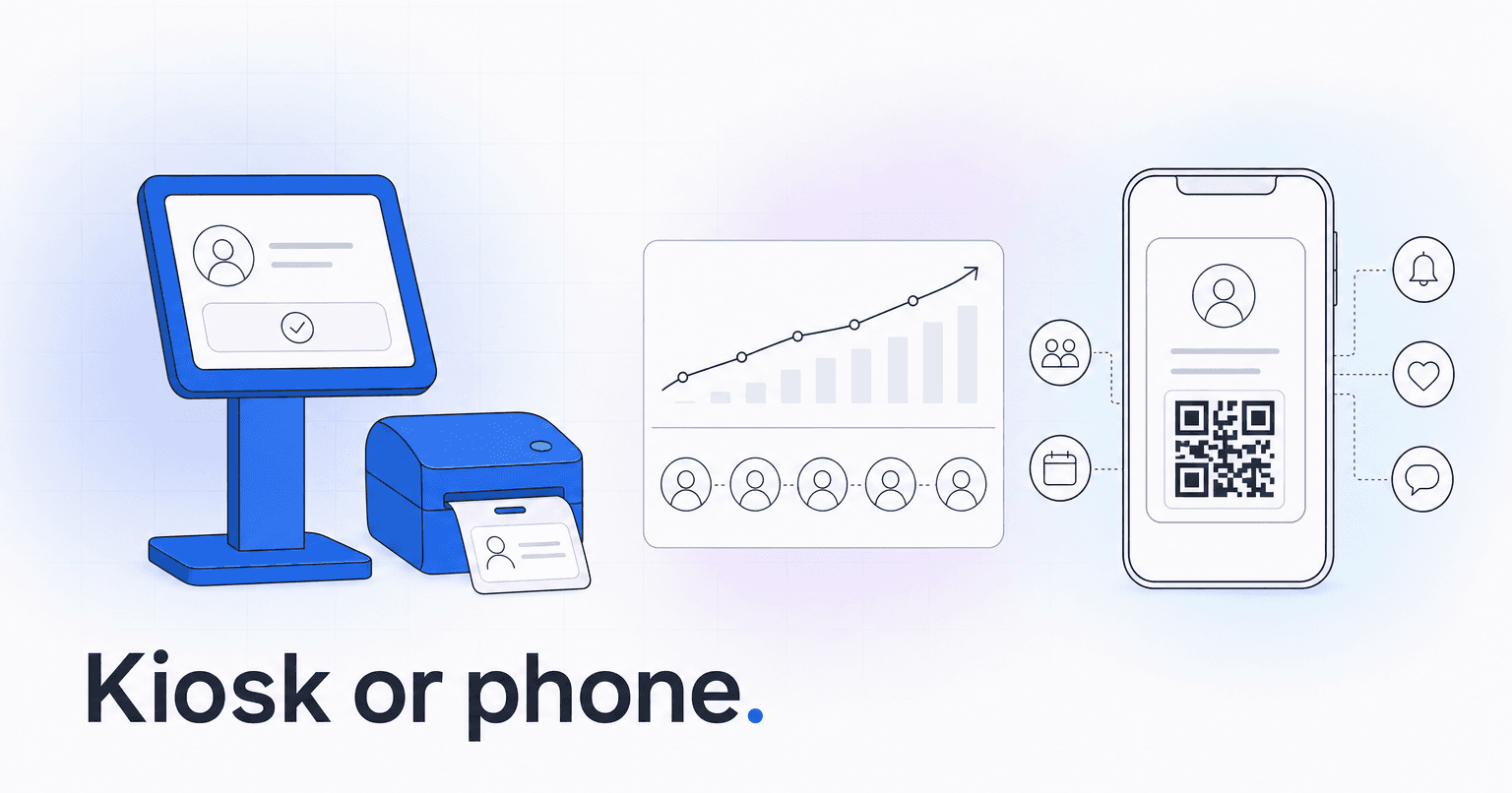
Kiosks win on security. Mobile wins on Sunday speed. And mobile only wins on family follow-up if it captures who actually walked into the room, not just who tapped a button in the car.
Churches that commit hard to one model usually bolt the other one on later anyway, and it is almost always the same trigger: a printer dies at 9:40, or a guest family shows up and there is no path for them that does not involve downloading something. So the honest recommendation is a hybrid. Mobile self check-in as the fast lane for known families, a staffed kiosk with a label printer as the security backbone and the front door for guests.
Here is how the two compare on the three things children's ministry directors actually argue about.
Which is safer: kiosk or mobile check-in?
Security in kids ministry comes down to one question: can an unauthorized adult get a child out of the room? Everything else is paperwork.
Kiosk. The kiosk exists to print a matched pair of labels, a child tag and a guardian pickup tag with a random code. The volunteer at the door compares codes at pickup. Custody restrictions, allergy flags, and medical notes print directly on the child tag, where the room leader sees them without opening a screen or asking anyone to log in. A kiosk also puts a human in the loop. Someone is standing there watching who is holding the iPad, and in a custody dispute that person is your actual control, not the software.
Mobile. Self check-in from a phone removes that human. Geofencing helps, but a parent parked in the lot, or a teenager with a household login, can mark a child present who is not present. Some platforms mitigate this with a QR scan at the room door, and that is the version worth buying. Mobile check-in that ends at the phone, with no scan at the classroom threshold, is an attendance guess dressed up as a security record.
One more thing that gets overlooked: mobile check-in inherits whatever your app's account security is. If parents share one household login and nobody has changed a password since 2021, the pickup code on a phone screen is not a credential. It is a screenshot. Kiosk-printed tags expire the moment the service ends, which is a boring feature that quietly does a lot of work.
Verdict on security: kiosk, unless your mobile flow requires a scan or code entry at the room door. Then they are roughly even.
Which is faster on a Sunday morning?
Realistic kiosk throughput is 30 to 45 seconds per family once labels print. One station handles somewhere near 60 to 80 families an hour on a good day, and far fewer when the printer jams or a first-timer has to type four names and a phone number. Three services with a 10 minute turnaround will expose every bottleneck you have, including the one where your best check-in volunteer is also on the worship team.
Mobile does not eliminate the line. It moves it. Parents check in during the drive, then the queue re-forms at the label pickup counter and the classroom door. Churches that see real speed gains from mobile do one of two things: they print labels in advance in service order, or they let repeat kids skip labels entirely with a reusable tag. Without one of those, you have added an app and kept the line. Before you buy on the strength of a demo, it is worth checking how the parent-facing app actually behaves in a crowded lobby, because mobile experience varies a lot between church platforms.
Verdict on speed: mobile, but only if you redesign the physical handoff at the same time. The app is half the fix.
Which produces better data for family follow-up?
This is the criterion most churches skip, and it is the one that pays for the system.
Kiosk data is ground truth. A printed label means a body entered a building. That timestamp, room assignment, and pickup event is the cleanest attendance signal a church owns, and it is the signal that engagement scoring and disengagement prediction depend on. Feed a model false positives from phantom mobile check-ins and it will confidently tell you a family is fine three weeks after they stopped coming. Predictive analytics only works when attendance records reflect reality, and lapsed-attendance reporting is only as trustworthy as the check-in method underneath it.
Mobile data is richer per household. You get a verified mobile number, a push channel, an app identity tied to the whole family, and consent you can actually document. That matters when the follow-up is a text to a parent whose four year old has missed three weeks. Kiosk-only churches often have a beautiful attendance history and no reliable way to reach the adult attached to it, which is how you end up mailing a postcard to a family that moved in March.
Guests split the difference. A first-time family will not download an app in the lobby with a toddler on one hip. They will type their name into a kiosk. If mobile is your only path, you are losing new-family capture at exactly the moment it is most valuable, and the whole first-visit follow-up sequence never fires because the record was never created.
Whichever you run, both models collect minors' names, addresses, and medical notes, so retention limits and role-based access are not optional. What church member data privacy requires applies double to children's records. Ask a plain question of any vendor: who on my volunteer team can see a custody note, and can I turn that off per role?
How to choose
- Pick kiosk-first if you run one or two services, see meaningful guest traffic, have custody situations in your files, or your kids wing has weak cell coverage. Concrete floors and steel doors beat carrier signal more often than anyone expects.
- Pick mobile-first if your congregation is roughly 80 percent regulars, you run three or more services with tight turnarounds, and you can afford a QR scan or code check at the classroom door.
- Pick both if you can staff one kiosk per entrance. Use mobile for the known majority, keep the kiosk as the guest lane and the failover when the wifi drops. It will drop.
The check-in decision is really a data decision. A clean, verified attendance record is worth more than the hardware that produced it, because it becomes the input for absence alerts, volunteer recruiting, and the text a parent gets in week two instead of month three. If you want that loop to close without someone remembering to run a report, ChurchAI reads check-in data from Planning Center, Breeze, or CCB and turns the gaps into follow-up your team can act on before a family quietly stops coming.
Common questions
- What is ChurchAI?
- ChurchAI is an AI-native church management platform built to help churches retain members, grow giving, and eliminate administrative busywork. Unlike legacy church software that stores data passively, ChurchAI acts as an intelligence layer that connects to your existing tools, analyzes engagement patterns, predicts churn, identifies emerging donors and volunteer leaders, and automates follow-up workflows.
- How is ChurchAI different from Planning Center or other church management software?
- Most church management software like Planning Center, Rock CHMS, or Subsplash are built for administration and reporting. They store data but don't act on it. ChurchAI is built for discipleship and growth. It uses AI to proactively surface insights, predict which members are at risk of leaving, identify first-time and emerging givers, recommend volunteer candidates, and trigger automated follow-up communications. ChurchAI integrates with your existing tools and serves as the command center that turns church data into action.
- Does ChurchAI replace my current church software?
- No. ChurchAI connects directly with your existing church tools including Planning Center, Rock CHMS, Subsplash, Mailchimp, Microsoft Fabric, Power BI, and others. It acts as the intelligence layer on top of your current tech stack, unifying data from scattered systems into one command center without requiring you to switch platforms.
- What problems does ChurchAI solve for churches?
- ChurchAI solves three core problems: (1) Member churn — it identifies disengaged members early through attendance and engagement pattern analysis, then triggers automated follow-up before people fall through the cracks. (2) Missed growth opportunities — it surfaces emerging donors, first-time givers, and potential volunteer leaders that pastors would otherwise miss. (3) Administrative overload — it automates follow-ups, people management, growth tracks, and reporting so church staff can focus on ministry instead of spreadsheets.
- What size churches does ChurchAI work for?
- ChurchAI works for churches of all sizes, from growing congregations to enterprise-level megachurches with multiple campuses and complex tech stacks. The platform scales to handle multi-campus operations with thousands of members, multiple data systems, and sophisticated reporting needs.
- Is ChurchAI an AI chatbot for churches?
- No. ChurchAI is not a chatbot or a simple Q&A tool. It is a full AI-native platform with intelligent agents that analyze church data, score member engagement, predict behavior patterns, automate workflows, and deliver actionable insights. Think of it as an AI-powered Executive Pastor that monitors church health 24/7 and proactively surfaces what needs attention.
- What AI technology does ChurchAI use?
- ChurchAI uses AI-native architecture including large language models, engagement scoring models, predictive analytics for churn and giving patterns, and automated workflow agents. The platform's domain expertise is encoded directly into its AI workflows, prompts, and scoring models, built by founders with over a decade of church leadership experience. This creates a data flywheel where the more churches use ChurchAI, the smarter its predictions and recommendations become.
- How do I get started with ChurchAI?
- Visit churchai.com to request a demo. The ChurchAI team will walk you through the platform, understand your current tech stack and church needs, and show how ChurchAI integrates with your existing tools to deliver immediate value.